

Published: October 22, 2025 | Last Updated: December 11, 2025

What is A talking head? Definition & Meaning
A talking head is a static shot of a person speaking directly to the camera or off-camera. It is typically framed as a medium close‑up or close‑up — that is, from roughly the chest or shoulders up to the top of the head. It is used to deliver information, opinions, or personal reflections clearly and directly. The term comes from early news broadcasting, where anchors and pundits appeared in head-and-shoulder frames, hence the phrase “talking head.”
When and Why Talking Heads Are Used
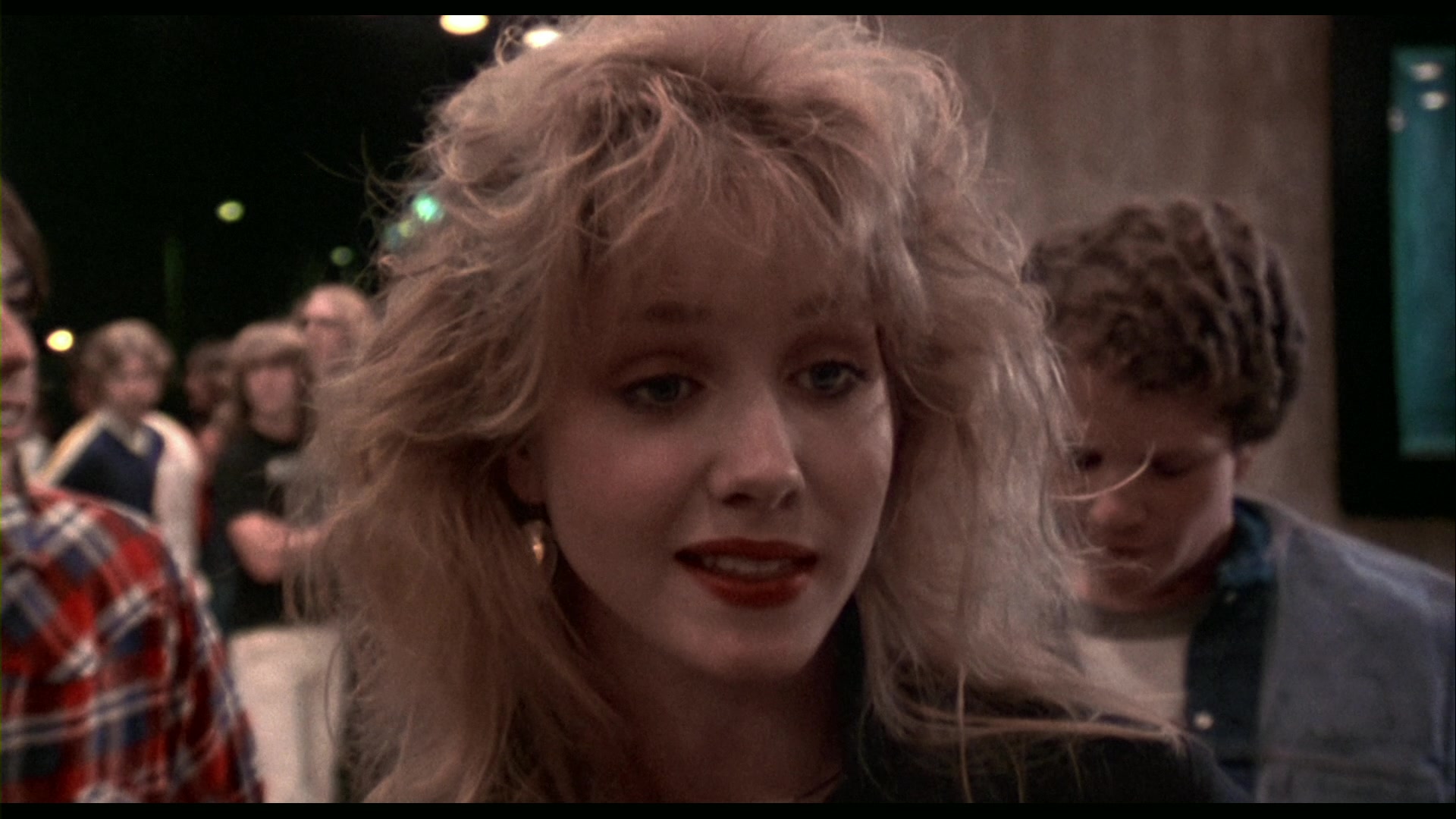
Talking heads are common when you want viewers to focus on what a speaker is saying. This format puts attention on the face and voice without visual distractions. You’ll often see them in:
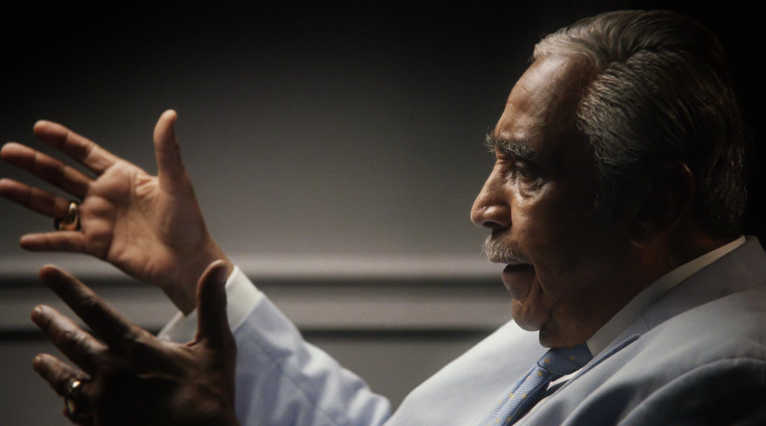
Documentaries – personal stories, historical insight, or expert commentary. For example, 13th (2016, Netflix) uses talking heads to deliver direct, emotional commentary. Here, the talking head format is used for seriousness.
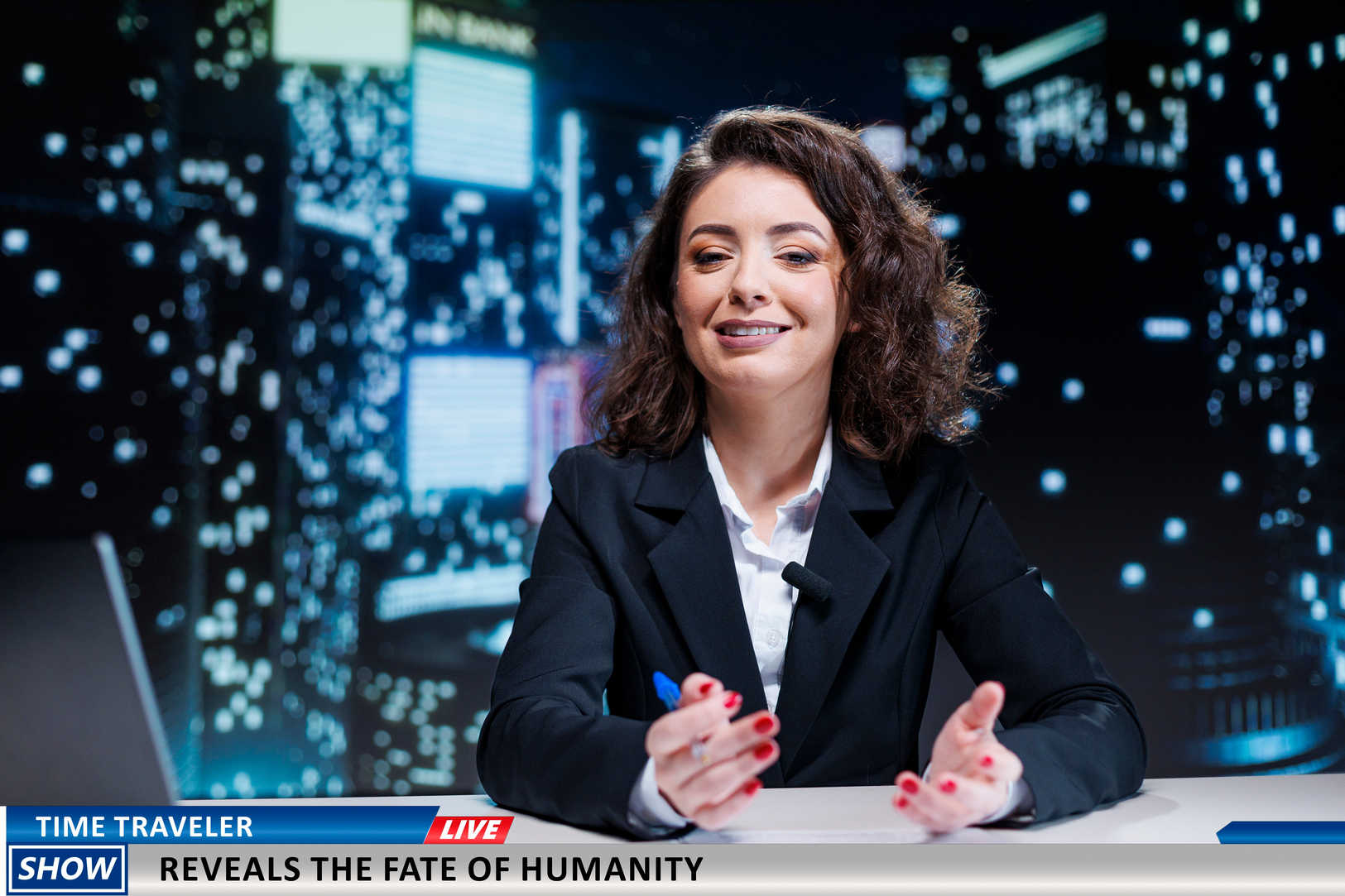
News reports – anchors or eyewitnesses sharing events. Especially, eyewitness reports are often framed like talking heads.
In contrast, studio news broadcasts use medium shots that include the torso or waist. These aren’t technically talking heads, but they serve a similar function: putting the focus on the speaker’s words.
Interviews – press junkets, behind-the-scenes features, or educational content
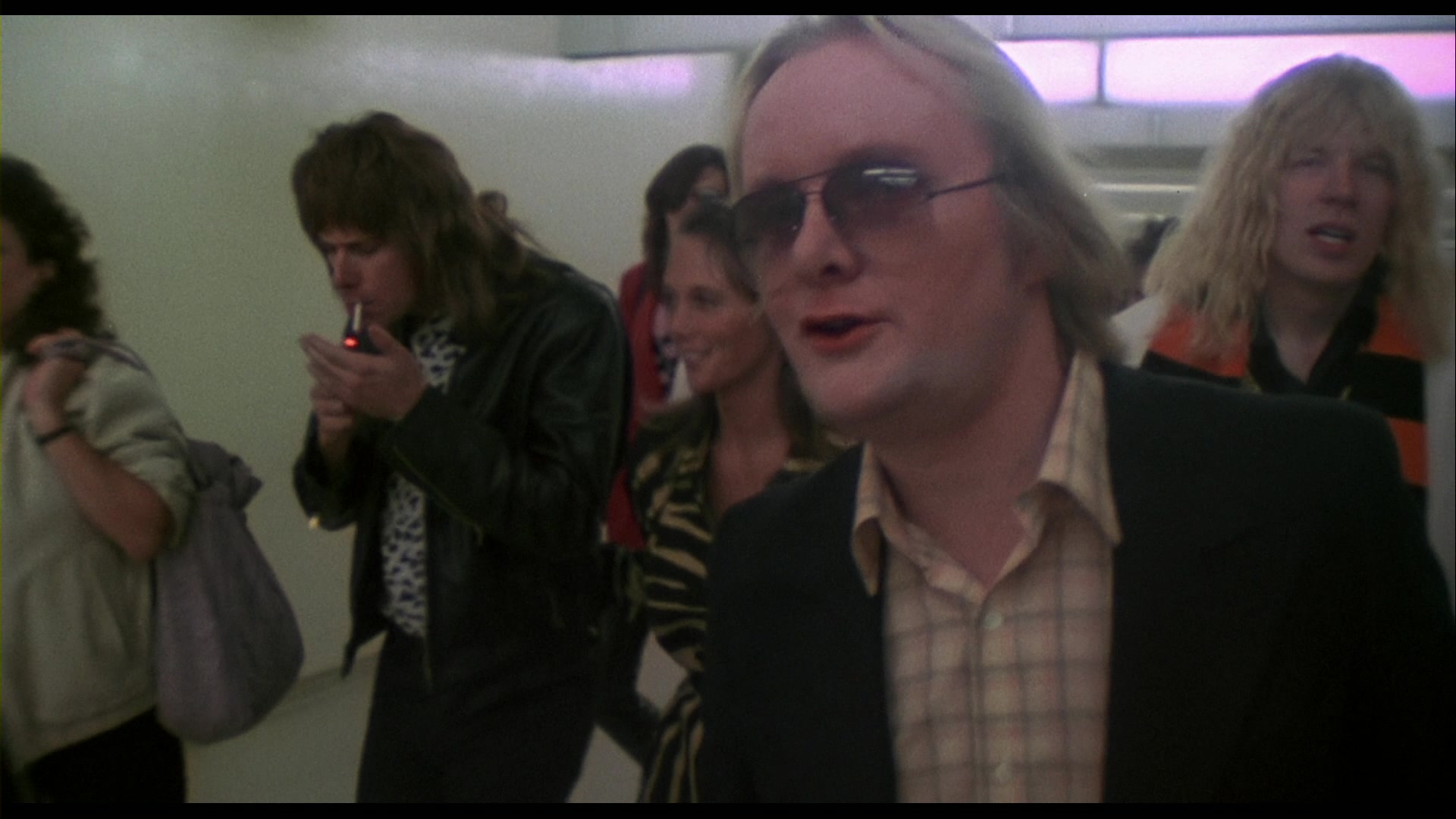
Mockumentaries – direct-address moments used for humor or character development. This Is Spinal Tap (1984, Embassy Pictures) uses the format to mock serious documentary interviews.
Talking Heads in Fiction and TV
Although the talking head is mostly used in nonfiction, it also appears in scripted film and television. Mockumentary-style shows like The Office and Parks and Recreation feature characters speaking to the camera in short, static interviews. These scenes use the same visual rules as real documentaries.
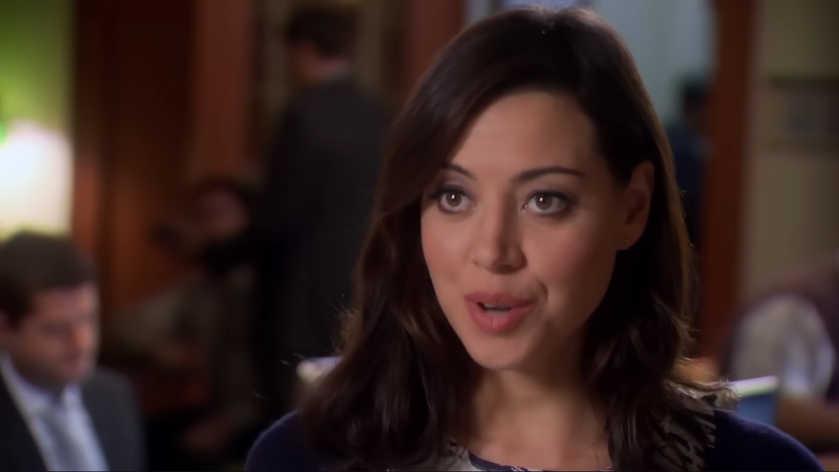
In drama, the format appears during monologues or direct-address moments that break the fourth wall. For example, in House of Cards (2013, Netflix), in several scenes, Underwood and Clair often use a talking‑head style direct‑to‑camera address, though the show also shifts framing and movement beyond that style.
Beyond Film: Talking Heads in Digital Media
The talking head format is also popular in online video. You’ll see it on YouTube, in corporate training videos, webinars, and social media explainers. The setups often follow the same rules: shoulders-up framing, eye-level camera, simple lighting, and a clean background.
What makes the format so widely used is its simplicity. Anyone with a phone, webcam, or basic camera setup can film a talking head video. That’s why it appears across education, business, marketing, and personal content creation.
How to Set Up a Talking Head Shot
A talking head shot is typically framed as a medium close‑up or close‑up — that is, from roughly the chest or shoulders up to the top of the head.´You can adjust the composition depending on tone, but the key is clarity and connection.
Here are the basic setup steps:
- Camera placement – Use a tripod or stable mount, and position the lens at eye level.
- Framing – The subject is usually framed at eye level, either centered for direct address or off-center using the rule of thirds.
- Lighting – Use three-point lighting (key, fill, back) for the best result.
- Audio – Use a lavalier or shotgun microphone to ensure clear speech with no background noise.
- Background – Choose a neutral or softly blurred background. Avoid clutter or anything that distracts from the speaker’s face.
Using a Teleprompter or Cue Cards
To help the speaker stay on script, many talking head videos use a teleprompter, a screen placed in front of the lens that scrolls text while the speaker reads it. This keeps eye contact steady and makes long scripts easier to deliver naturally. Tablet-based teleprompters are common for interviews, online courses, or promotional content.
You can also use cue cards. These are large boards with key lines or prompts, placed just off-camera. They’re helpful for reminders, names, or bullet points, but they may slightly shift the speaker’s eye line if not carefully positioned.
Benefits and Limitations
The talking head shot is easy to use and works well for delivering information. But it comes with trade-offs.
- Benefits: Fast to set up, low-cost, focuses attention on the speaker, and works across many genres and platforms.
- Limitations: Can become repetitive if overused, relies heavily on strong delivery, and may lose visual energy without support.
How to Keep Talking Heads Visually Interesting
To avoid visual fatigue, support talking head shots with small variations in editing or shot design. Here are ways to keep your video dynamic:
- Cutaways – Show related visuals while the subject continues speaking.
- B-roll – Overlay the voice with supporting footage to build context.
- Multiple angles – Record two camera positions to cut between wide and tight shots. Use the 30-degree rule or jump cut punch-ins to make it interesting (the latter is often used on social media).
- Slow zooms – Add gentle push-ins to create movement without distraction.
- Visual pacing – Alternate between static shots and motion graphics or titles.
- Background variation – Use color, light, or depth to add interest while keeping it simple.
Each of these helps break up static visuals and gives the viewer something new to look at, without losing focus on the message.
Summing Up
A talking head is a static shot of someone speaking directly to the camera or off-camera, framed from the shoulders up. It’s used across film, television, and digital media to deliver clear, focused speech. When supported by good framing, lighting, and editing, the talking head remains a simple but good way to hold attention and communicate directly with the viewer.
Read Next: Want to master how camera movement affects tone and pacing?
New to camera language? Start with our Camera Shots & Angles FAQ for quick answers and visual breakdowns.
Then explore all camera movement techniques — from tracking shots and whip pans to handheld, Steadicam, and crane setups.
Or return to the Cinematography section to dive into lenses, lighting, and visual composition.
