

Published: December 16, 2025 | Last Updated: January 19, 2026

In other words, a light meter turns lighting into repeatable numbers. You can hit a target stop on a face, keep your contrast consistent, then match the next setup even if your monitor is too bright, too dim, or showing a LUT that does not match what you record.
What a light meter measures
A light meter does two jobs. It measures light, then it calculates exposure based on the camera settings you enter. If the meter settings do not match your camera settings, the result will be off.
Stops are the language a meter speaks
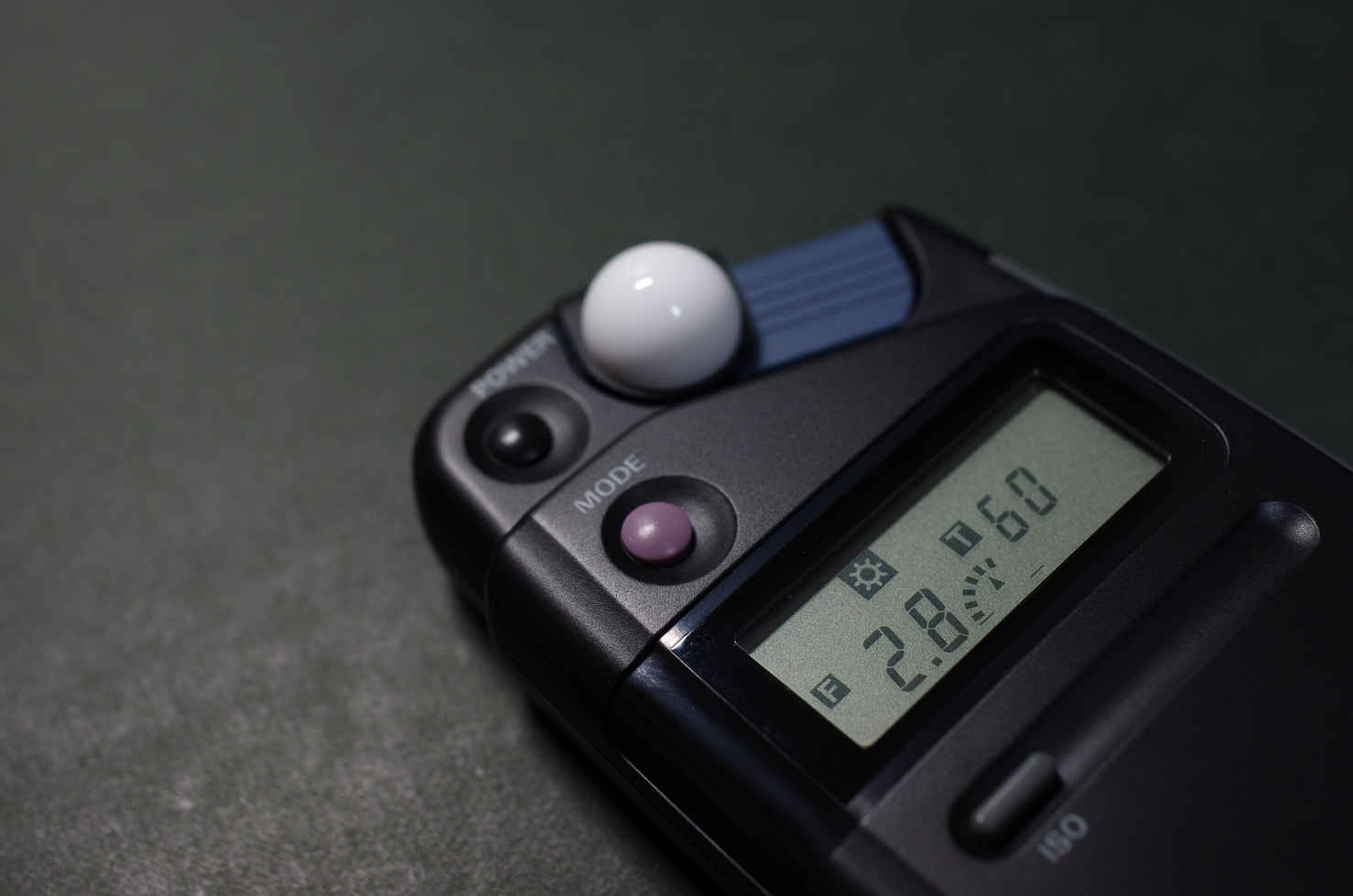
Stops are the fastest way to think about exposure because they connect directly to the controls you change on set. If you want a refresher on how aperture, shutter, and ISO balance exposure, start with the exposure triangle.
- +1 stop doubles exposure.
- -1 stop halves exposure.
- Stops map to aperture, ND, ISO/EI, shutter, and light output.
Lux and foot-candles are real brightness values
Some meters also show lux or foot-candles. These values help when you want repeatable light levels, even if the camera position changes.
- If the key side of a face reads 500 lux in one setup, you can rebuild that level later by lighting until it reads 500 lux again.
- Lux and foot-candles also help when you compare fixtures, distance, and diffusion changes.
Here’s a converter you can use to convert lux to foot candles and vice versa.
Incident vs reflected reading
Light meters give you two main ways to measure exposure. You can measure the light that falls onto the subject, or you can measure the light that bounces off what you point at.
Incident readings
An incident reading measures the light falling onto the subject. The dome reads the light that hits the face, so a white shirt and a black jacket do not change the reading.
- Stand at the subject’s mark.
- Use the incident dome.
- Point the dome toward the camera for a baseline exposure that matches what the lens sees.
Reflected readings
A reflected reading measures light bouncing back from the subject. The meter assumes what it sees averages out near 18% gray (middle gray), so very bright or very dark surfaces can push the result in the wrong direction.
- If you aim at a white wall, the meter tries to make it gray, so it suggests settings that can underexpose the scene.
- If you aim at a black coat, the meter tries to make it gray, so it suggests settings that can overexpose the scene.
- A gray card gives you a known reference surface when reflected readings feel inconsistent.
Spot readings
A spot meter reads a small area of the frame, often around 1° to 3°. Spot readings help when you need a specific answer, like “How many stops is that window above the face?”
- Spot a gray card in the same light as the face to check mid-tones.
- Spot a window or practical to count how many stops it sits above your key exposure.
- Spot a cheek highlight to see how close it is to clipping.
Handheld meter vs in-camera exposure tools
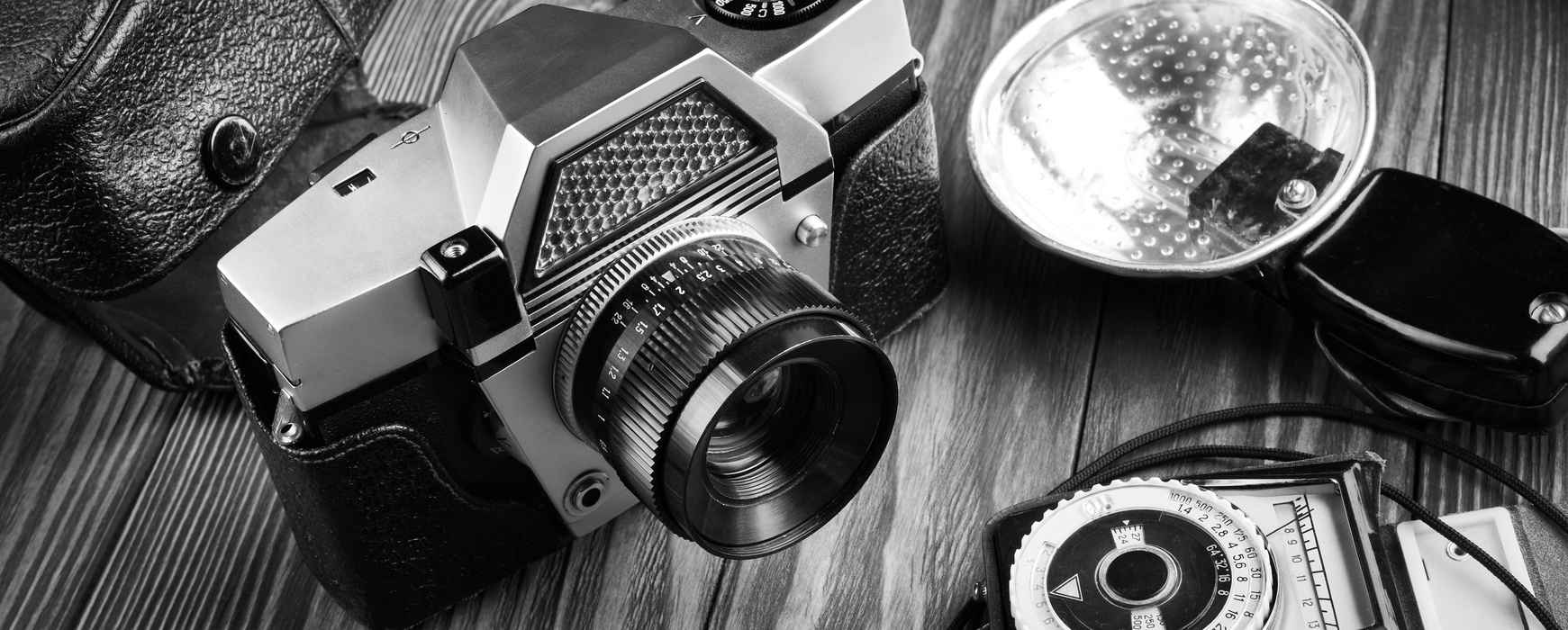
Your camera can measure exposure too, but it usually behaves like a reflected meter. A handheld meter gives you incident readings at the subject and cleaner ratio checks.
- In-camera tools like a waveform monitor and zebras show what the sensor records.
- Handheld meters help you set light levels and ratios fast, then you confirm on camera.
How to take an incident reading the right way
Incident metering is simple, but dome direction changes what the number means. One angle gives you a baseline exposure. Another angle helps you measure one light at a time for ratios.
Angle A: Point the dome toward the camera
This angle gives you a practical baseline. It mixes key, fill, and any camera-side spill into one exposure reading.
- Set ISO/EI, shutter, and frame rate on the meter.
- Stand at the subject’s mark.
- Hold the dome at face position.
- Aim the dome toward the camera lens.
- Take the reading, then set your aperture to match or adjust your lighting until the meter matches your target stop.
Angle B: Point the dome toward one light to measure levels and ratios
This angle helps you measure one source, but it only works if you keep other lights off the dome. Use it to plan contrast you can repeat.
- Shade the dome from sources you do not want included, such as a backlight or a bright practical.
- Aim the dome toward the key light. Take a reading.
- Aim the dome toward the fill source or bounce. Take a reading.
- Compare the stops to get a ratio.
Example: key reads f/4 and fill reads f/2.8. That is a one stop difference, which is about a 2:1 key-to-fill ratio.
How to keep readings clean on a busy set
Real sets have spill, reflections, and practicals that change during the day. A clean metering habit saves time.
- Use your hand or a flag to shade the dome from lights you are not measuring.
- Re-meter after you add diffusion, move stands, or turn on a practical.
- Take two readings if the subject moves between a bright mark and a dark mark.
Set the meter to match your camera
Think of the meter as a calculator. It only gives the right answer if you enter the same settings you plan to shoot.
ISO vs EI
ISO is a standard sensitivity value. EI is a rating choice you make in many log workflows.
- A lower EI usually pushes you to expose brighter. This can reduce shadow noise, but it can cost highlight headroom.
- A higher EI usually pushes you to expose darker. This can protect highlights, but shadows can get noisier.
If you monitor through a LUT or work in log, read Look, LOG, LUT, White Balance, and RAW explained so your metering plan matches what you see on set.
Shutter speed vs shutter angle
Shutter angle is common in cinema because it keeps motion blur consistent. Exposure time still changes with frame rate, even at the same shutter angle.
- 180° at 24 fps is close to 1/48s.
- Higher frame rates shorten exposure time at the same angle.
ND filters
ND filters reduce light by a known number of stops. If you add ND, something else must change if you want the same exposure. If you want a deeper breakdown, see what an ND filter is and how it works.
- 0.3 ND is 1 stop.
- 0.6 ND is 2 stops.
- 0.9 ND is 3 stops.
Write ND strength in your camera report or slate notes, such as “ND 0.6” or “ND 2 stops.”
How to use a light meter to set exposure fast
This workflow keeps you focused on decisions that matter. You set a target stop, meter the subject, then check the background and highlights.
Step 1: Pick your target stop
Pick your aperture for a clear reason. Depth of field is one reason, and depth of field changes fast when you change distance, focal length, and stop. Lens sharpness can be another reason, since many lenses perform better a stop or two down.
Step 2: Meter the face at the mark
Meter where the subject stands, not where you expect them to stand. Small mark changes can shift exposure fast in tight lighting.
- Aim the dome toward camera for a baseline reading.
- If you must keep depth of field, keep the aperture fixed and adjust light output until the meter reads your target.
Step 3: Check the background
Background exposure changes how separated the subject feels. Metering lets you choose the relationship instead of guessing.
- If the background reads 1 stop darker than the face, the subject separates more.
- If the background reads equal to the face, the frame feels flatter.
Step 4: Write down the numbers you will want later
Notes are part of continuity. If you record the key values, you can rebuild the setup faster for pickups.
- Key reading
- Fill reading
- Background reading
- ISO/EI, fps, shutter, and ND
How to meter contrast and ratios
Ratios are easier when you measure them. A meter gives you the stop gap, and that gap stays meaningful even when the camera moves closer or farther.
Key-to-fill ratio
Measure key and fill separately. Then convert the stop difference into a ratio you can repeat.
- 1 stop difference is about 2:1.
- 2 stops difference is about 4:1.
- 3 stops difference is about 8:1.
Window checks and highlight headroom
Windows and practicals can jump far above your key exposure. Spot readings help you count the difference in stops, then you choose a fix that fits the shot.
- Meter the face first, then treat it as your reference.
- Spot meter the window or practical.
- Count the stop difference, then choose the approach that fits the scene.
If a window is 4 stops above the face, you can add diffusion, add ND gel, change angle, or raise the interior level so the gap shrinks. Confirm on a waveform monitor that highlights do not clip and that the face sits where you want for your monitoring setup.
Special cases you should know
A few situations break the “set it once and forget it” approach. Plan for these and your exposure stays consistent.
Slow motion changes exposure
Higher frame rates shorten exposure time at the same shutter angle. That usually costs you light. If you want a full breakdown of slow motion settings, see the slow motion guide.
- 180° at 24 fps is about 1/48s.
- 180° at 120 fps is about 1/240s.
That is roughly 2 and 1/3 stops less exposure. Open the lens, raise light output, lower ND, raise ISO/EI, or change shutter angle if your motion plan allows it.
Meter flat surfaces with a retracted dome or flat diffuser
Faces are 3D. Walls, backdrops, and green screens are flat. Retract the dome or use a flat diffuser when you meter a flat surface, since you want a reading that represents that plane.
- Take readings across the surface to check evenness.
- A hot spot is a bright patch on the background. Fix it by feathering the beam, moving the light back, adding diffusion, or adding a second source to even out the level.
Colored light needs a camera check
Strong color can produce exposures that look safe on a meter but clip a color channel on the camera. This happens often with saturated RGB LED colors and gels. Good white balance choices also matter, so review white balance and color temperature if your monitor looks off.
- Use the meter to keep levels consistent across takes.
- Confirm with waveform or false color that no channel clips and skin exposure still sits where you want.
If skin looks strange under LED fixtures, a low CRI can be part of the problem.
How to calibrate a light meter to your camera
Sometimes the meter and the camera disagree. Calibration helps you align your meter to your camera body and your monitoring method, so the readings land where you expect.
A simple calibration method
This method uses an 18% gray card and your camera’s exposure tools. The exact middle-gray target depends on your camera curve and LUT, so use the camera maker’s recommended value for your setup. A color checker tool can also help you lock a repeatable reference on set.
- Light an 18% gray card evenly.
- Set your camera to the monitoring mode you will use on set, such as a Rec.709 output or a show LUT.
- Expose the gray card to the recommended middle-gray level for that curve or LUT.
- Match ISO/EI, shutter, and frame rate on the camera and the meter.
- Take an incident reading at the gray card.
- If the camera looks right at T2.8 but the meter suggests T4, set a meter calibration offset so the meter also reads T2.8 in that same light.
Repeat the test if you change LUTs, EI strategy, or camera bodies.
F-stop vs T-stop
These labels look similar, but they describe different things. Knowing the difference helps when you swap lenses or match cameras.
- F-stop is a mathematical value based on focal length and aperture size. If you want a quick refresher, read what an f-stop is.
- T-stop is measured light transmission through the lens.
Two lenses can both say f/2.8, but one lens can transmit less light. T-stops reduce that mismatch when you want consistent exposure across lenses.
What to look for in a light meter
You do not need every feature to work well. You need the features that match how you shoot.
- Incident metering: For fast face exposure and repeatable setups.
- Spot metering: For windows, highlights, and distant subjects.
- Cine settings: Frame rates, shutter angles, lux, and foot-candles.
- Memory and comparison: For matching ratios across setups.
- Flash metering: Useful for stills, strobe, or mixed flash and ambient.
- Color meter or spectrometer: Separate tools for color temperature, tint, and spectrum checks when you want lights to match more closely.
Common mistakes and fast fixes
Most metering problems come from the same few mistakes. Fix these first, then trust your numbers.
- Mistake: Meter settings do not match the camera.
Fix: If the camera is ISO 800 and the meter is ISO 400, exposure will be off by one stop. Match ISO/EI, fps, and shutter before you meter. - Mistake: You meter from the wrong position.
Fix: Put the meter at the subject’s mark at face height, then take the reading. - Mistake: Reflected readings change shot to shot.
Fix: Spot meter an 18% gray card in the same light, then compare other tones to it. - Mistake: You change fps for slow motion and forget to re-meter.
Fix: Re-meter after any fps or shutter change. - Mistake: You trust the meter without checking the camera.
Fix: Confirm on waveform, false color, or zebras that highlights are safe and faces sit where you want.
Summing Up
A light meter gives you repeatable exposure decisions. Use incident readings on faces for a solid baseline. Use dome-to-light readings for ratios. Use spot readings to compare windows, practicals, and highlights to the face in stops. Re-meter when you change frame rate, shutter, ND, or the lighting setup. If your meter and camera disagree, calibrate with a gray card and your camera’s exposure tools, then keep that workflow consistent.
Read Next: Want to explore how lighting transforms the mood of a scene?
Browse all lighting articles, from hard and soft light to color temperature, contrast, and key light setups.
Or return to the Cinematography section for lenses, framing, and camera movement techniques.
