

Published: December 19, 2025

What is the camera department? Definition & Meaning
The camera department is the film crew that builds, operates, maintains, and supports the camera system so each shot is framed, focused, exposed, recorded, labeled, and delivered to post in a usable, organized way.
The camera department does not only “run the camera.” The team protects image quality and protects time. That means clean focus, stable media workflow, correct metadata, and reliable monitoring so you can make decisions fast.
Team size changes with the project. On a small shoot, one person can cover multiple roles. On a large set, each role is specialized and tightly defined.
What the camera department is responsible for
The camera department owns the camera package and the capture workflow. That is the practical work that turns a shot list into recorded footage that editorial can trust.
- Camera setup and prep: build the camera, test lenses, set menus, set timecode, and confirm recording formats.
- Framing and movement: operate the camera, hit marks, keep headroom consistent, and match shot sizes across coverage.
- Focus control: measure distance, set marks, and pull focus during takes so eyes stay sharp.
- Exposure support: help the DP and gaffer confirm exposure tools and settings. Start with the exposure triangle if you want the basics locked.
- Color and monitoring workflow: manage monitoring LUTs, false color, scopes, and video village feeds when the set needs it. A good foundation is Look vs Log vs LUT vs RAW.
- Media and data safety: offload cards, verify copies, label everything, and deliver footage to post-production.
- Paperwork and metadata: slates, camera reports, lens info, clip naming, and notes that help the edit.
How the camera department fits with the rest of the crew
The camera department sits in the middle of creative choices and technical limits. You make the shot possible without breaking continuity, schedule, or post workflow.
- Director and DP: set the shot goals. The camera team executes the plan and flags problems early.
- Grip: builds the support system for the camera. Example: a dolly track move needs grip to lay track and level it before the operator can rehearse.
- Lighting: sets exposure and contrast. The camera team helps confirm settings like white balance, ND use, and monitoring.
- Sound: needs a clean set and clear roll calls. Slating and MOS notes prevent sync confusion later. See MOS in film.
- Post: depends on clean media, consistent labeling, and stable color references. The bridge to post often runs through the DIT and the dailies workflow.
Core camera department roles
Most narrative sets use a core camera team. Titles can vary by country and budget, but the job logic stays similar.
Director of Photography (DP)
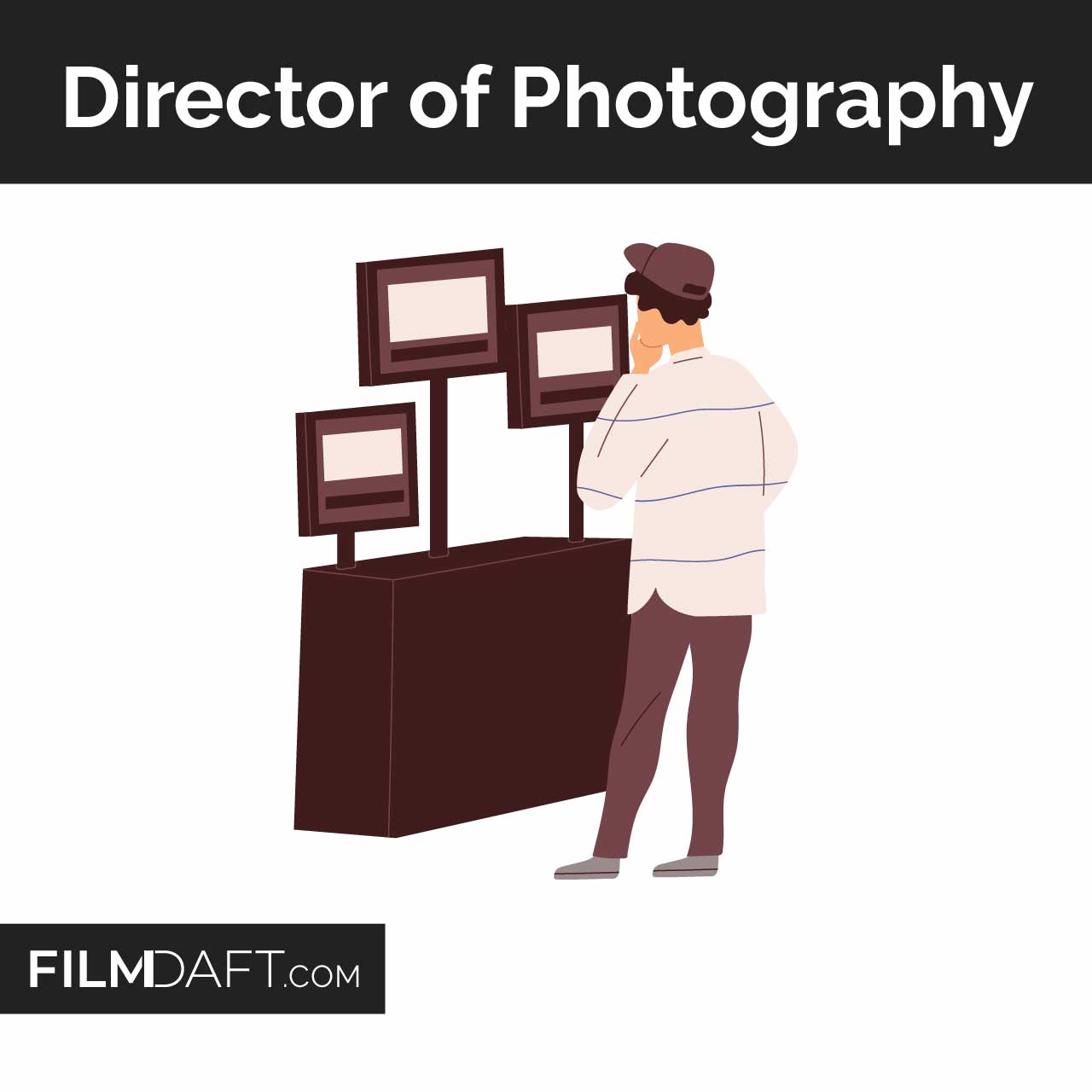
The DP (aka cinematographer) sets the shot’s visual plan with the director, then leads the camera and lighting approach so coverage matches the scene’s needs.
- Chooses camera and lens strategy based on the scene. Example: a tight dialogue scene may need longer lenses and controlled focus marks to isolate faces.
- Sets exposure and monitoring targets so the image holds up in post. If you want the technical side of this, study dynamic range in cameras.
- Works with DIT on on-set looks, LUTs, and consistency when the workflow calls for it.
Camera Operator
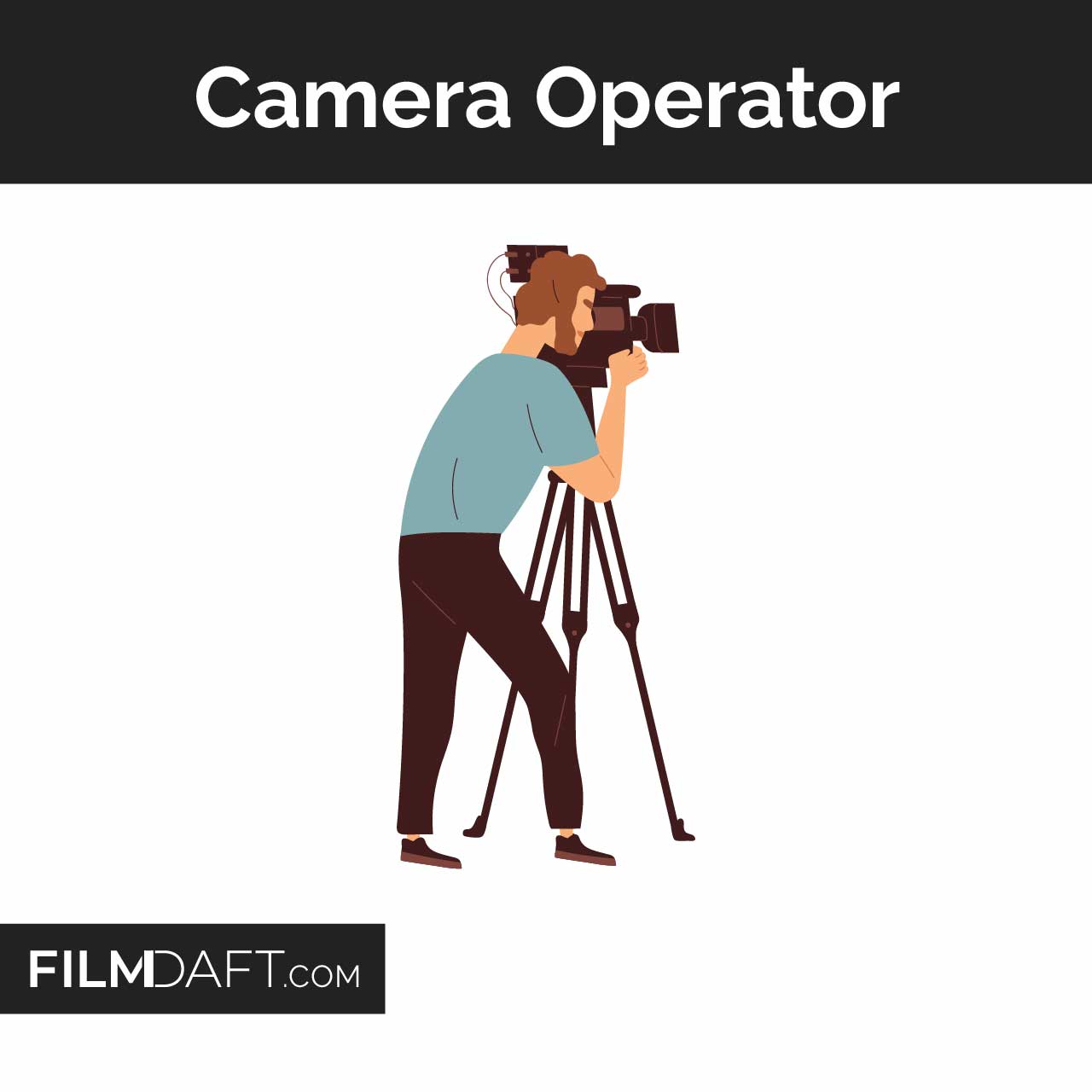
The camera operator physically frames the shot and executes movement with stable composition across takes.
- Frames for performance so eyelines, headroom, and blocking read clearly in the cut.
- Repeats moves consistently so editorial can cut between takes without jumps.
- Coordinates with grip on dollies, cranes, and remote heads.
If you want the full job breakdown and career path, read what a camera operator does.
1st Assistant Camera (1st AC / Focus Puller)

The 1st AC keeps the image sharp and keeps the camera system stable. Focus is the headline, but the role is also gear control and set readiness.
- Pulls focus with marks, measurements, and rehearsals. Example: an actor steps forward on a line, then the 1st AC hits a new mark at the same beat every take.
- Manages lens changes so focal length and filtration match the shot plan.
- Checks camera health so batteries, media, and settings do not fail during takes.
For a deeper breakdown, see what a focus puller does.
2nd Assistant Camera (2nd AC / Clapper Loader)

The 2nd AC keeps shots organized with slates, labels, and support tasks that protect post workflow.
- Slates each take so picture and sound can sync fast in post. Use this film slate guide if you want the full process.
- Tracks camera paperwork like camera reports and lens notes.
- Manages media or film mags depending on format, then labels everything cleanly.
Camera Trainee / Camera PA
The camera trainee supports the team with practical tasks that keep the camera unit fast and clean.
- Helps maintain the cart so batteries, media, tools, and cleaning supplies stay ready.
- Runs items safely between set and prep space without losing parts or labels.
- Supports lens and filter handling under the AC’s direction.
Common specialist roles on bigger shoots
Large sets add specialists when complexity rises. More cameras, more data, more monitoring, and more risk all push crews to split tasks.
Digital Imaging Technician (DIT)
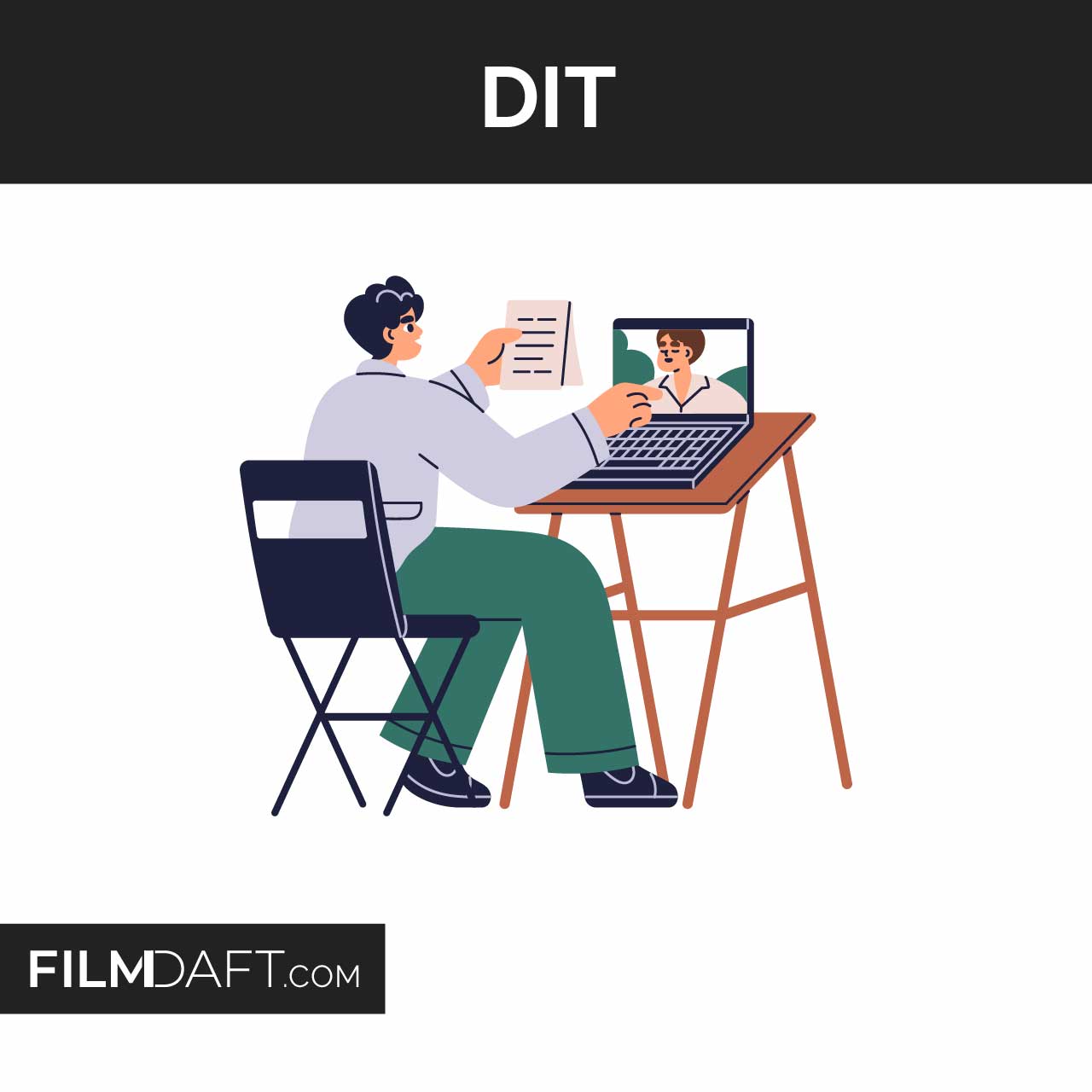
The DIT manages the on-set image pipeline, checks technical image quality, and helps keep the footage consistent for post.
- Builds or applies monitoring LUTs so the set sees a stable reference look.
- Checks exposure and color tools like waveform and vectorscope. If you want that tool explained, see what a vectorscope is.
- Coordinates handoff to dailies so editorial gets organized footage fast. See dailies in film.
Data Wrangler / Digital Loader
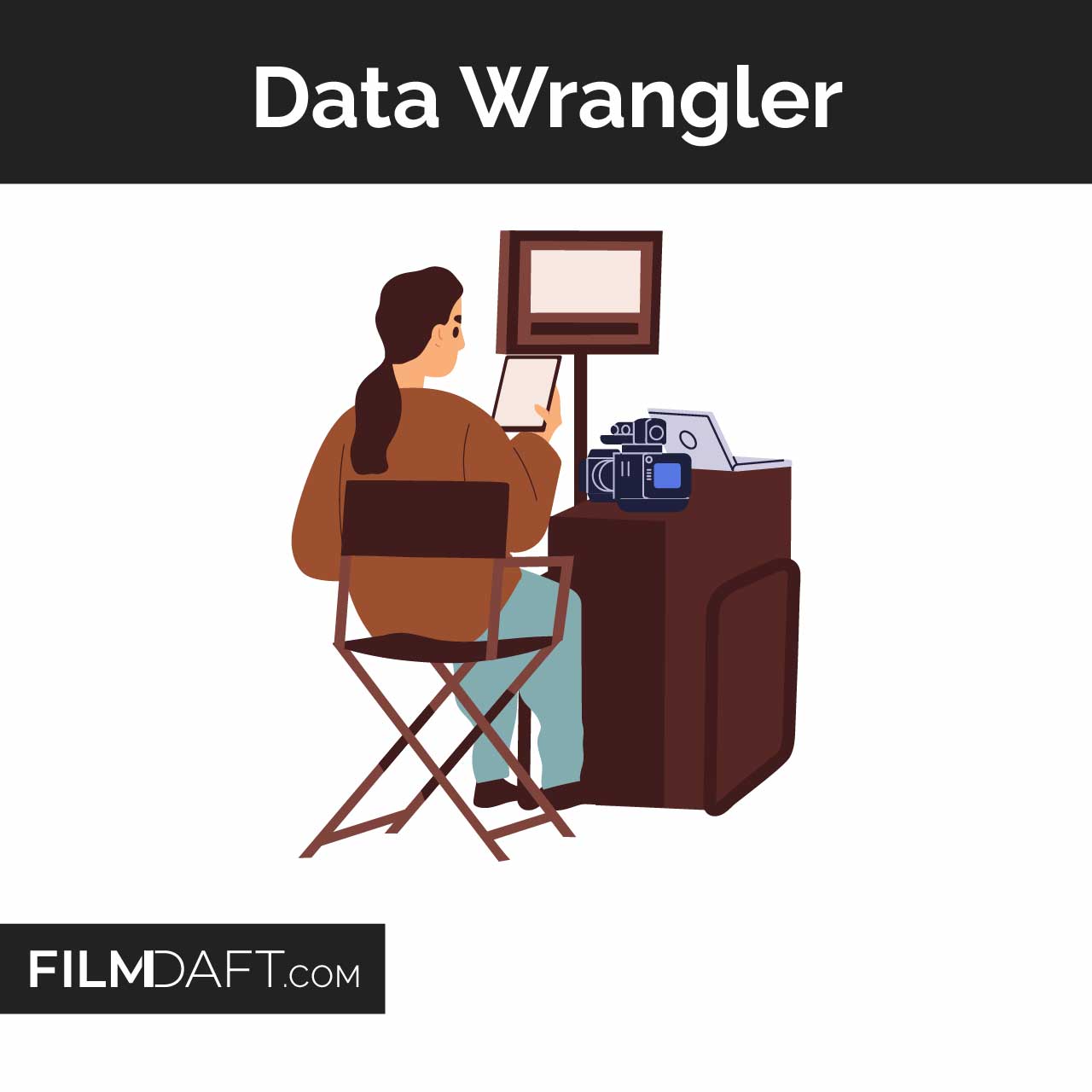
The data wrangler focuses on safe copies, verified backups, and clean folder structure so nothing goes missing.
- Offloads cards with checksum verification so copies match the source.
- Labels drives and folders so editorial can find scenes, takes, and camera angles.
- Communicates issues fast if a card errors or a drive fails.
Video Assist (Video Village)
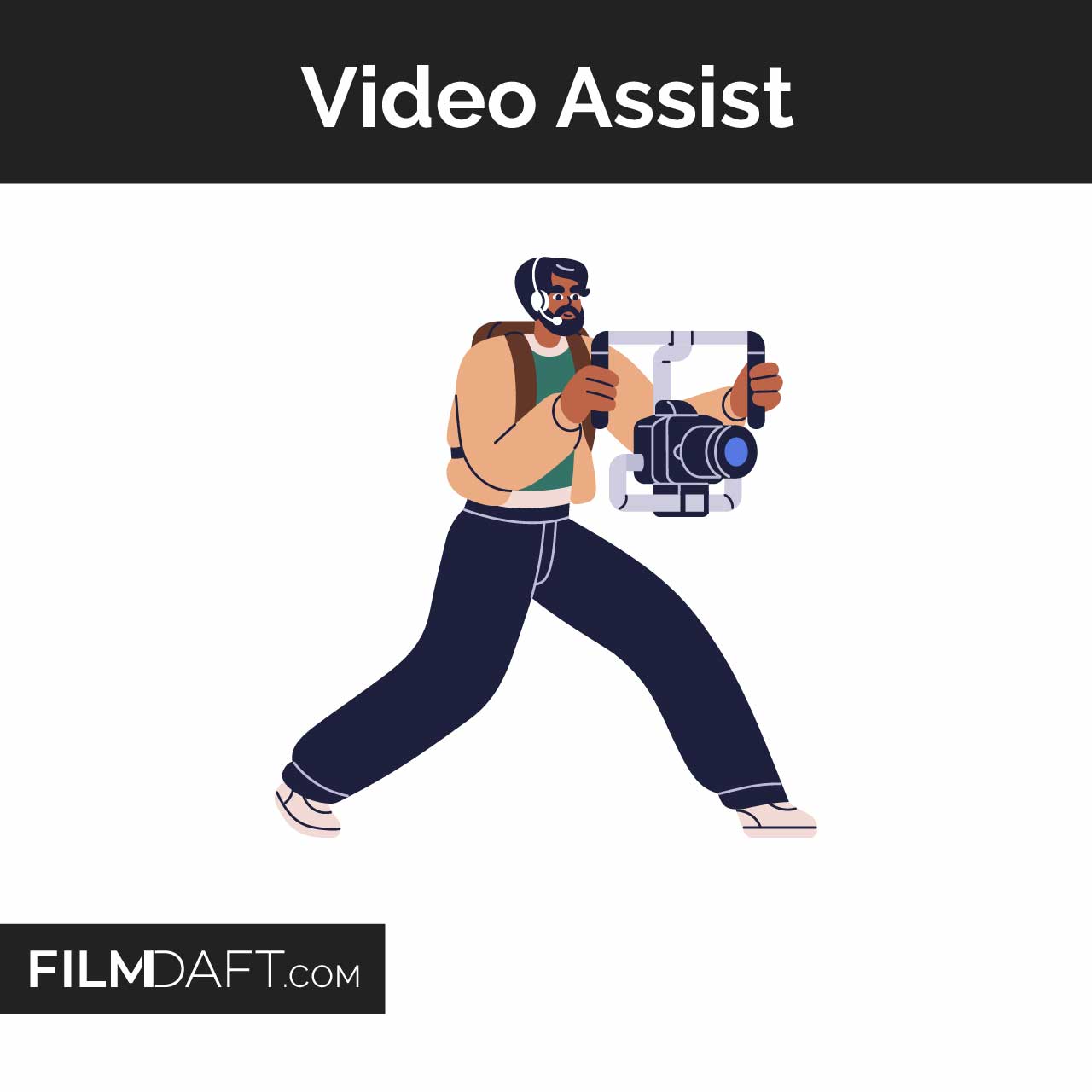
Video assist routes the camera feed to monitors, records reference clips when needed, and supports playback and review.
- Feeds monitors for director, script supervisor, and key crew.
- Records reference so the team can compare takes quickly.
- Supports signal paths with reliable cabling and converters. Learn the basics of SDI vs HDMI.
Steadicam Operator and remote head operators
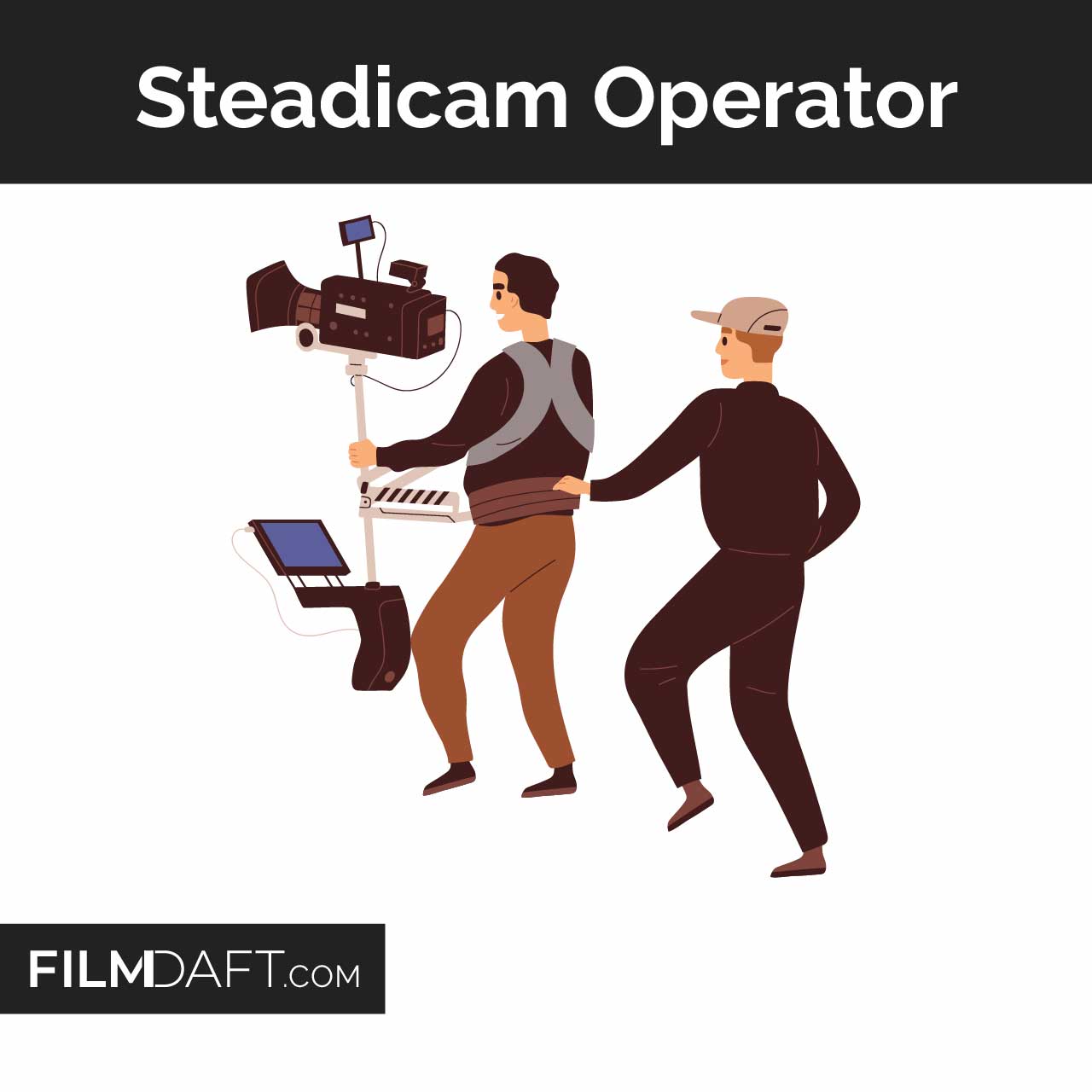
Specialty operators handle complex movement rigs that need training and precision.
- Steadicam covers walking moves with stable framing when handheld is too rough.
- Remote heads cover cranes, car rigs, and tight spaces where an operator cannot ride the camera.
Pre-production and camera prep
Good camera work starts before the first shoot day. Prep protects the schedule because you solve problems while time is cheap.
- Camera and lens tests: check dead pixels, lens breathing, focus marks, filters, and flare behavior.
- Workflow choices: lock codec, resolution, frame rate, and audio sync approach. If the project uses slow motion, see overcranking.
- Monitoring plan: confirm LUTs, monitor calibration targets, and signal routing.
- Metadata plan: confirm slate format, camera letter naming, file naming rules, and reports.
On-set workflow, step by step
Camera work follows a repeatable loop. Each take is a small system that must stay consistent so the editor can cut cleanly.
1) Build the shot
The camera team builds the physical setup so it can repeat takes without drift.
- Operator and DP lock framing and lens choice.
- 1st AC sets focus marks from blocking.
- 2nd AC confirms slate info and roll naming.
2) Check focus, exposure, and motion
Small technical choices change what you can fix later. Camera checks prevent surprises in the edit and grade.
- Focus check: confirm sharp eyes at the key beats of the scene.
- Exposure check: confirm highlights and shadows stay usable. Start with dynamic range if you want the logic behind this.
- Motion check: confirm shutter choices match the look. Learn the baseline in motion blur.
3) Roll, slate, and record clean
Clear calls and clean slates save time in post. A messy slate slows sync and confuses the edit.
- Roll calls: camera rolls, sound rolls, then slate.
- Slate: the 2nd AC presents the slate clearly. Use how to use a film slate as a checklist.
- MOS: mark MOS correctly so post does not chase sync that does not exist. See MOS meaning.
4) Back up and hand off
Media safety is not optional. One bad handoff can erase an entire day.
- Offload and verify: copy media with checksums.
- Label and log: match card names to camera reports and slate data.
- Dailies path: prepare for editorial handoff. See dailies workflow.
Three real-world examples of camera department work
Examples make the job easier to picture. Each scenario shows how roles change based on pace and risk.
Example 1: A scripted dialogue scene by a bright window
A bright window pushes contrast and creates exposure pressure. The camera department supports the DP with choices that protect faces and highlights.
- DP chooses a lens and exposure plan based on the window level.
- 1st AC sets two marks for each actor and pulls focus on the line beats.
- 2nd AC slates cleanly and keeps lens notes consistent across coverage.
- DIT applies a monitoring LUT so the window does not fool the set monitors.
If you want the underlying concept, review dynamic range in cameras.
Example 2: A documentary run-and-gun day
A fast doc day trades crew size for speed. One person often covers operating, exposure choices, and basic media handling.
- Operator frames fast and protects headroom so edits cut smoothly.
- Settings stay simple so you do not miss moments. The basics live in aperture, shutter, and ISO.
- Media routine happens at breaks so cards and backups stay safe.
Example 3: A VFX plate day
VFX work needs clean technical continuity. Post needs lens info, stable motion, and consistent metadata.
- Camera team records consistent lens and focus info across plates.
- DIT or data protects filenames and folder structure so VFX can relink shots.
- Operator repeats camera height and angle when the shot requires matching plates.
If you are new to the term, read what a VFX plate is.
Camera department tools you should understand
Gear knowledge helps, but the real goal is control. The camera department uses tools that make focus, monitoring, and handoff reliable.
- Viewfinders and monitors: how you judge framing and focus. Start with camera viewfinders.
- Signal cables: SDI is common for long runs and set monitors. See SDI vs HDMI.
- Sensor behavior: fast motion and LED environments can expose readout limits. Compare rolling shutter with global shutter, then learn what a stacked sensor changes.
- Color pipeline basics: monitoring looks and file formats affect post options. A clear primer is Look, Log, LUT, and RAW.
- Color space basics: capture and delivery targets differ across workflows. Start with color space.
Career paths inside the camera department
Most camera careers follow a ladder. You learn gear and set rhythm first, then you take on responsibility for focus and operating.
- Camera Trainee to 2nd AC: you learn slates, labels, and set discipline.
- 2nd AC to 1st AC: you learn focus skills, lens control, and problem solving under time pressure.
- 1st AC to Operator: you learn composition, movement, and coverage consistency.
- Operator to DP: you lead the visual plan with the director and you manage the full camera and lighting approach.
Two role guides that map real tasks and expectations are camera operator and focus puller.
Quick checklist: what keeps post happy
- Clean slates and consistent scene and take labeling.
- Verified backups before media gets reused.
- Clear camera notes for lens, frame rate, and special settings.
- Stable monitoring reference so exposure and color calls match what post receives.
If you want the wider context of how departments hand off work across a shoot day, see on-set workflow in film.
Summing Up
The camera department runs the practical side of image capture. The team builds the camera system, frames and operates shots, controls focus, supports exposure and monitoring, protects media, and delivers organized footage to post. Crew size changes the job, but the goal stays the same. You want clean takes, clean labels, and a workflow that does not break when the day gets stressful.
Read Next: Not sure who does what on set?
Check out our Crew Roles & Equipment section to learn how each department runs, from lighting and sound to camera rigs and on-set protocols.
For a full behind-the-scenes breakdown, explore the entire Production archive and see how everything comes together during the shoot.
