

Published: August 19, 2025 | Last Updated: November 28, 2025

What is A storyboard artist? Job Description & Definition
A storyboard artist is a pre-production artist who draws sequential images that map out how each scene in a film, animation, or commercial will look before filming begins. As a storyboard artist, your job is to turn the script into a clear visual plan. Each drawing shows what the camera sees, where the characters are placed, and how one shot connects to the next. This helps the director, director of photography, and key above-the-line creative team plan each shot before filming or animation begins.
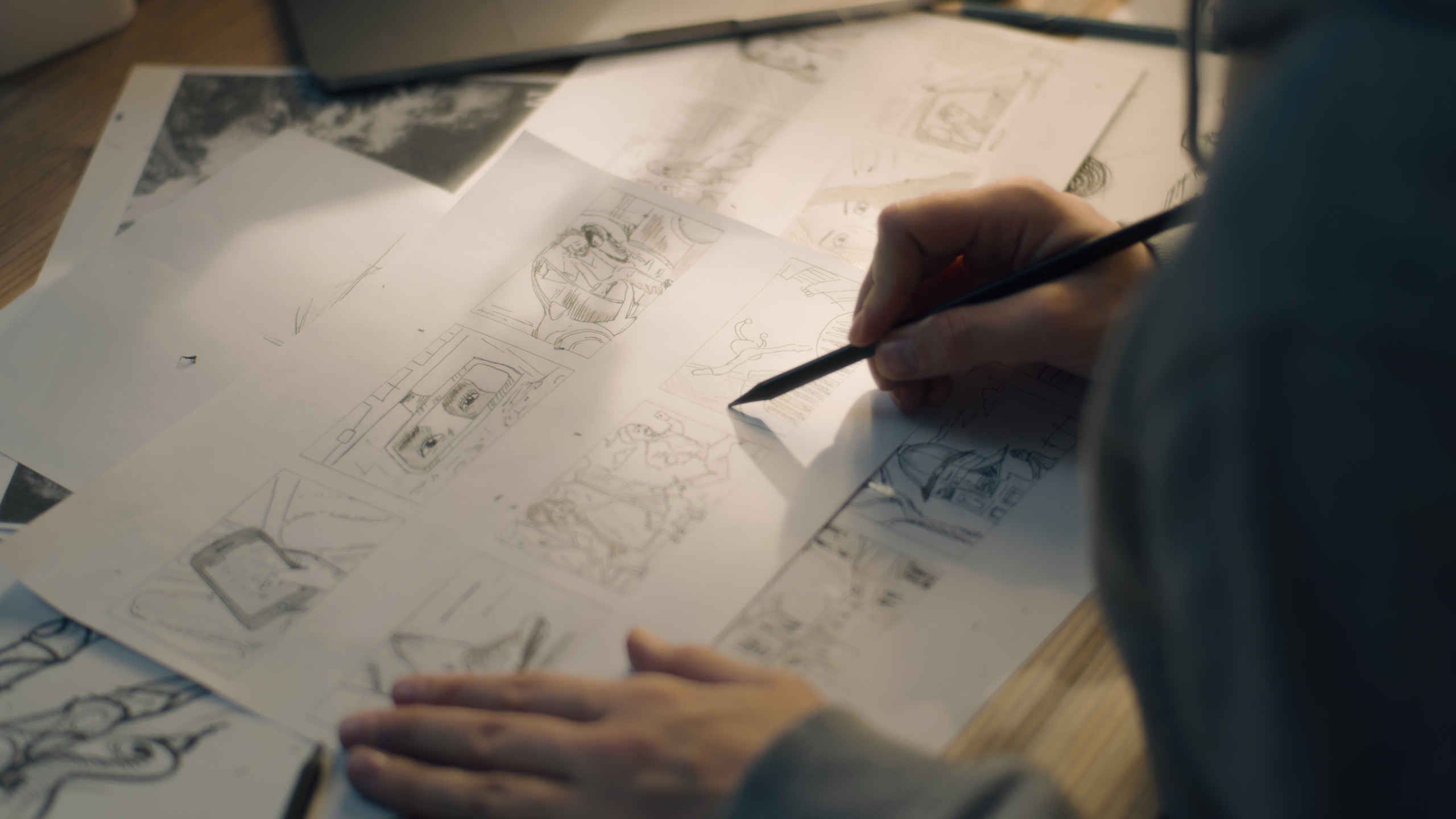
What Does a Storyboard Artist Do?
As a storyboard artist, your job is to turn the script into a visual sequence, aka a storyboard. You plan out each shot before filming or animation begins, using quick drawings to guide the director and crew.
Break Down the Script
You begin by reading the script and breaking it into scenes and beats. You figure out the key visual moments that need to be drawn. For example, if a scene involves a chase, you decide how many shots it needs and where the camera should go.
Create the Panels
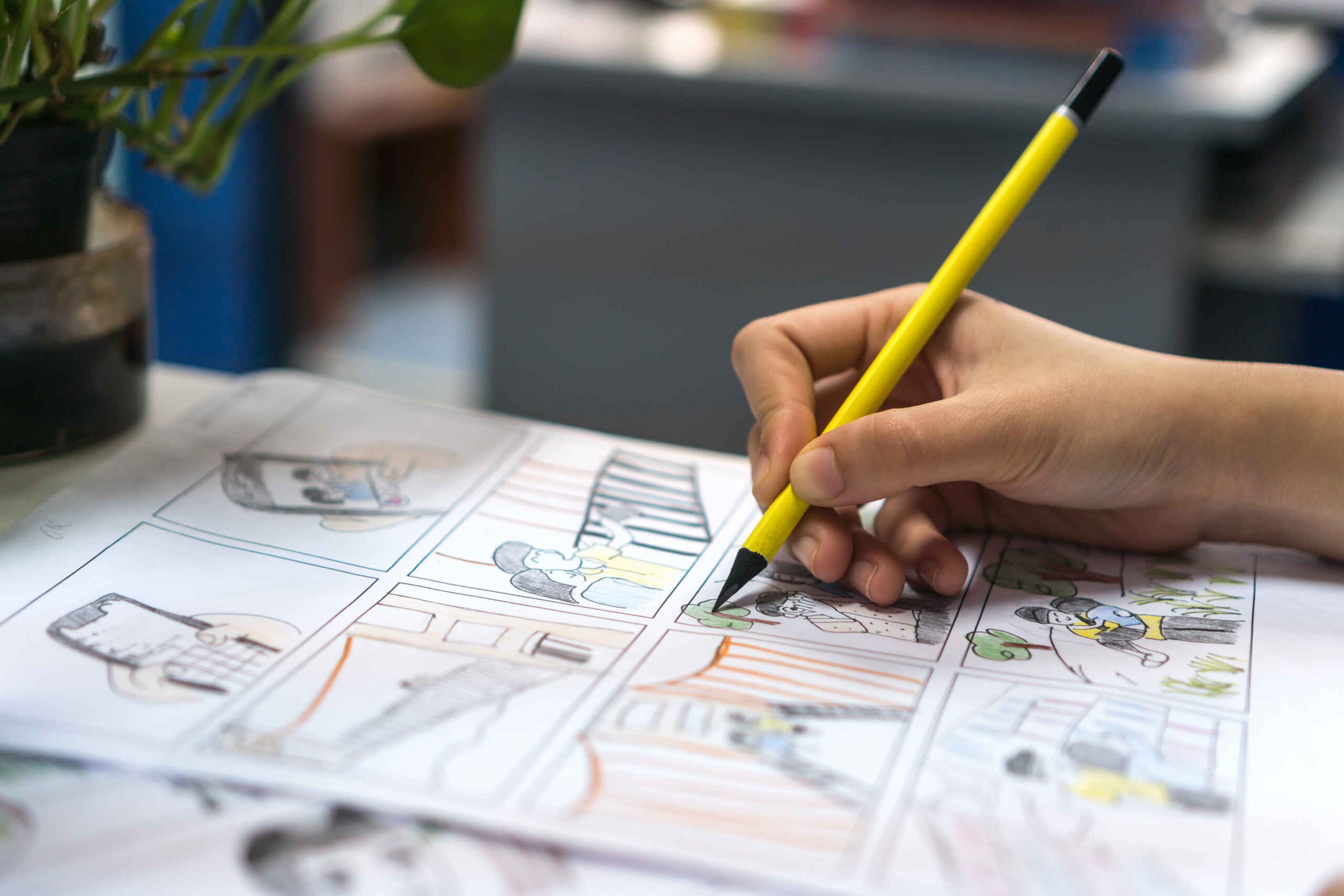
You draw a series of panels showing each shot. These include character positions, key poses, and camera instructions like zooms or pans. Many use colored arrows (fx, red and blue) to show movement. The drawings don’t need to be detailed, but they must be clear and easy to read.
Work with the Director and DP
You meet with the director and the director of photography (DP) to ensure your boards align with their vision. If they change the shot list, you revise your drawings. Storyboards are flexible tools that change as the team plans each scene.
Build Animatics (Optional)
For animation or big action scenes, you may help create an animatic. This is a rough video made from your panels with timing and sound added. It allows the team to see how the sequence will feel before any filming or animating begins.
Where Storyboard Artists Work
Storyboard artists work across different parts of the industry. In live-action films, they’re used for scenes with complex stunts, effects, or camera moves. In animation, every shot is storyboarded from start to finish. You might also work on music videos, commercials, or game cinematics.
Studios like Pixar, Nickelodeon, and Marvel hire large storyboard teams. Independent projects may have just one artist handling everything. No matter the size, the goal stays the same: plan the visuals clearly before production starts.
Storyboard Artist vs. Concept Artist
A storyboard artist plans the shots in order, like a visual script. A concept artist designs what the world looks like (e.g., characters, props, environments).
For example, in The Lord of the Rings (2001, New Line), storyboard artist Warren Mahy laid out the scenes, while concept artists Alan Lee and John Howe designed the look of Middle-earth.
Key Skills You Need
While you can get away with doodles and stick figures for your own indie feature or music video, you still need some skills to work as a storyboard artist professionally. Also, your drawing skills need to be good if you work on big productions.
- Drawing speed and clarity: Your sketches need to clearly show action, framing, and movement, even if they’re rough.
- Understanding camera language: You need to know shot types, angles, and camera moves so you can draw them accurately.
- Visual storytelling: Each panel must show what’s happening and how it connects to the next. Your drawings help tell the story visually.
Tools and Software
Some storyboard artists work digitally. I still prefer paper, though, as do many others. So don’t rule it out.
If you want to go the digital route, you can use popular software such as:
- Toon Boom Storyboard Pro: Great for animation and timing scenes.
- Clip Studio Paint: Professional drawing app that doesn’t break the bank (popular among Manga artists).
- Adobe Photoshop: Good for freehand sketching and flexible file formats.
- Adobe Animate: Used for animatics and short sequences with motion.
Some artists still start on paper, then scan and finish their work digitally. What matters is that your boards are clear and easy to adjust.
Storyboarding for Different Media
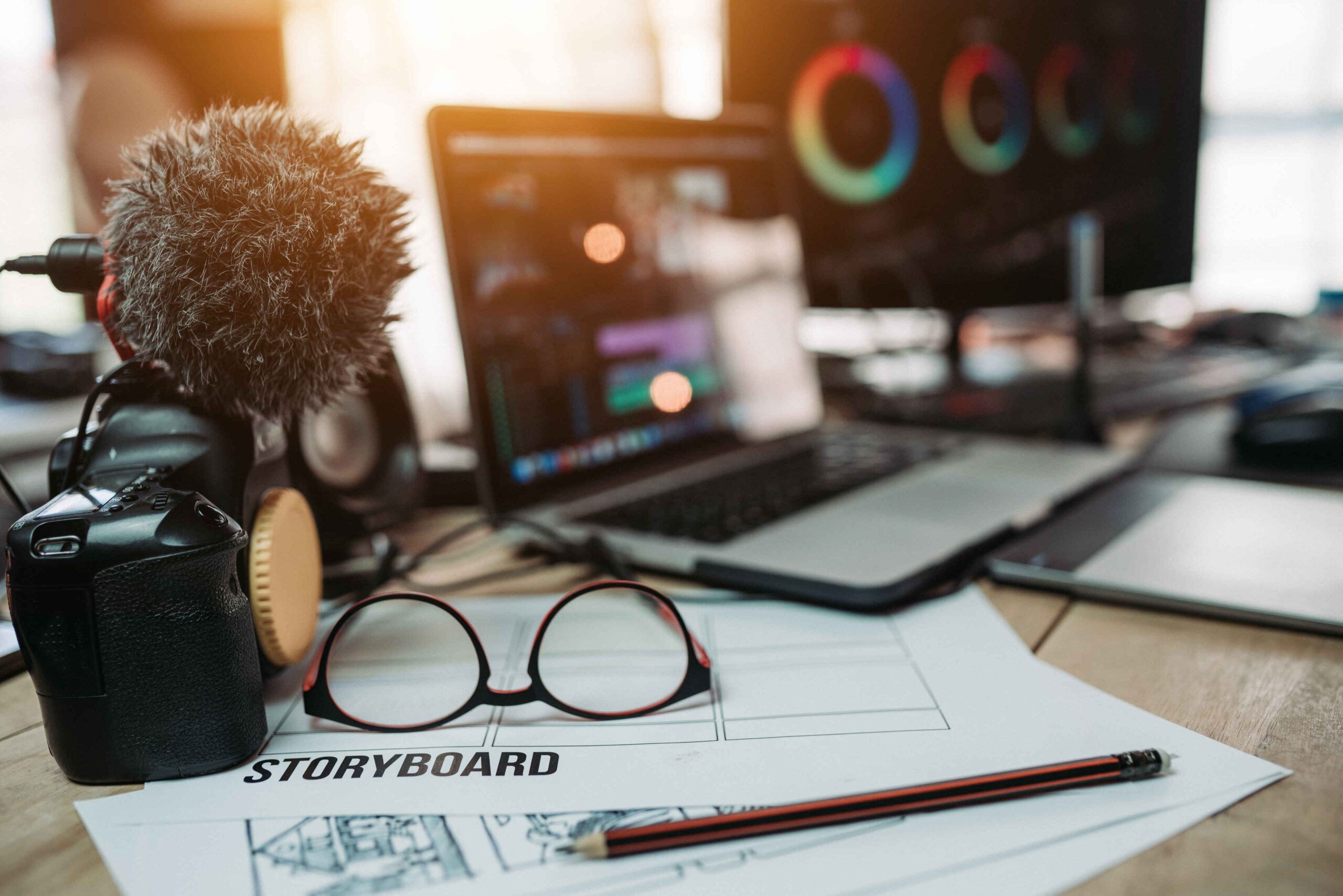
Storyboard artists work across film, TV, digital platforms, and interactive formats. Each medium has different needs, so your approach must adapt to how the story will be seen and used.
Film and Television
In film and TV, storyboards help plan shot lists, blocking, and pacing. For action or visual effects scenes, they’re essential. You might storyboard how a car explodes, how the camera moves through a room, or how a character reacts during a close-up.
Digital Media
For social media or web content, storyboards are used to plan vertical framing, text overlays, and short, punchy visuals. You focus more on timing and composition for smaller screens.
Games and Interactive Media
Games and VR projects use interactive storyboards. You draw multiple outcomes depending on the player’s choices. Instead of a single sequence, you map out different paths, keeping everything clear for designers and developers.
Challenges and Rewards
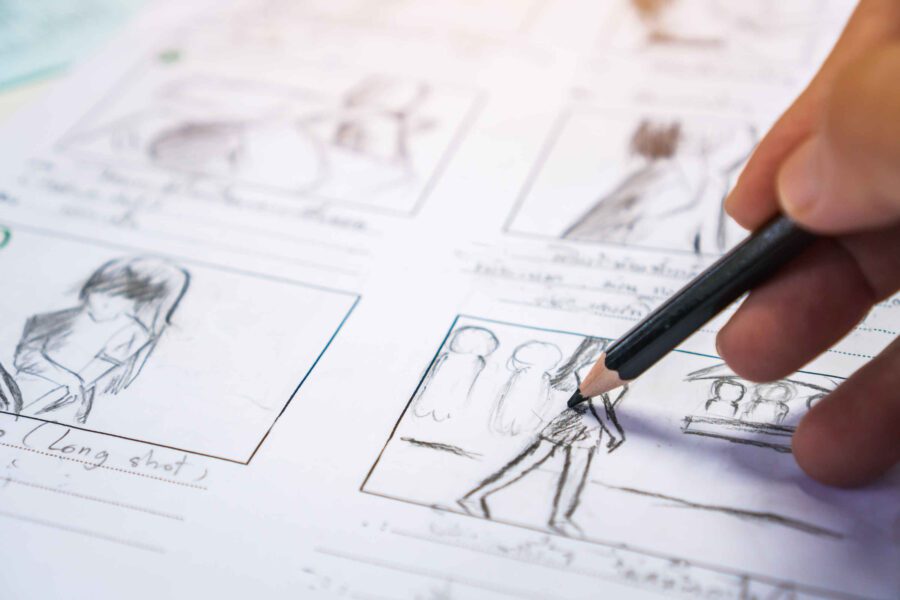
Storyboarding can be demanding. You work fast, take notes constantly, and revise often. It takes focus to keep things consistent and easy to read. But when you see a finished film that started with your drawings, it’s rewarding. You helped shape the story from the beginning.
Whether you’re sketching a quiet dialogue scene or a massive battle, your boards are the blueprint that brings a film to life.
Summing Up
As a storyboard artist, you help plan every shot before filming begins. You draw scenes from the script, work with directors, and help the crew understand the vision. With the right drawing skills, storytelling instincts, and camera knowledge, you guide the film from words to pictures, frame by frame.
Read Next: Ready to plan or run your shoot day?
Visit the Project Planning sub-section for scheduling, crew coordination, and pre-shoot logistics — or explore the full Pre-Production category for more resources.
Or head to On-Set Workflow to learn how to keep your set running smoothly — and explore more in the Production section.
