

Reading Time: 6 minutesIn this second part of our tutorial on using the roto brush tool to do rotoscoping in After Effects, we’ll explore the advanced settings of Roto Brush 2.0. In Part 1 of the Roto Brush tutorial, we covered all the basics of rotoscoping basic shapes, refining the edge, and freezing the propagation. If you’re new… Continue reading How To Roto Brush In After Effects. Part 2: Advanced Settings (Illustrated Guide)
roto brush
How To Enable Classic Controls In Roto Brush 2 In After Effects

Reading Time: 3 minutesIf you’re working with Roto Brush 2 in After Effects, you might miss some of the features from Roto Brush 1. Don’t worry. You can still activate them. Now, there’s a right way to do it – and a wrong way to do it. Here’s the right way: The Right Way To Enable The Classic… Continue reading How To Enable Classic Controls In Roto Brush 2 In After Effects
How To Use Roto Brush In After Effects. Illustrated Tutorial. Part 1.

Reading Time: 7 minutesThe Roto Brush tool in After Effects is essential when you want to place something (such as text or a 3D object) between an actor in the foreground and the rest of the post-production scene. And since Roto Brush v2, it’s never been easier. This 11-step tutorial explains all the basic steps you need to… Continue reading How To Use Roto Brush In After Effects. Illustrated Tutorial. Part 1.
How To Convert A RotoBrush Selection To A Keyframed Mask In After Effects
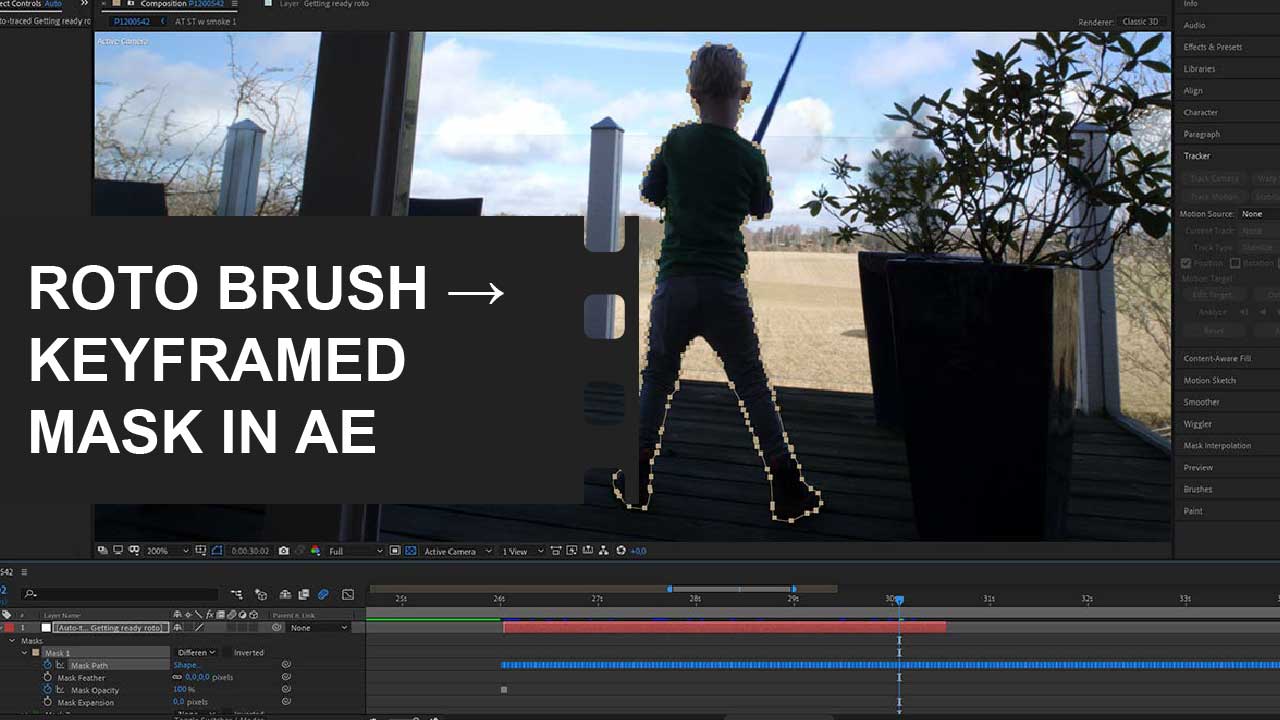
Reading Time: 3 minutesDid you know you don’t have to manually create and track masks with the pen tool in Adobe After Effects if you’ve already created a RotoBrush selection? Instead, you can quickly and easily create keyframed masks from a subject or object you’ve already rotoscoped. The trick is to use the auto-trace function. In this illustrated… Continue reading How To Convert A RotoBrush Selection To A Keyframed Mask In After Effects