

Reading Time: 5 minutesMOGRT files are pre-made motion graphic templates. They are an easy way to add motion graphics to your video projects without the hassle of creating keyframes whenever you need to create a new graphic. While Adobe Premiere includes some MOGRT, you’ll often find that you need something entirely different. In that case, you can find… Continue reading How To Create A MOGRT File In Premiere Pro (Illustrated Guide)
adobe
How To Import And Edit Motion Graphics Templates (MORGT) In Premiere Pro

Reading Time: 5 minutesThis article explains how to import and edit a MOGRT file that was pre-made by someone else. Here’s an illustrated guide to making MOGRT files yourself in Premiere Pro. Step 1: Locate MOGRT Files in Premiere MOGRT files can be found in the Essential Graphics Panel in Premiere Pro. Let’s jump into this panel by… Continue reading How To Import And Edit Motion Graphics Templates (MORGT) In Premiere Pro
How To Convert A RotoBrush Selection To A Keyframed Mask In After Effects
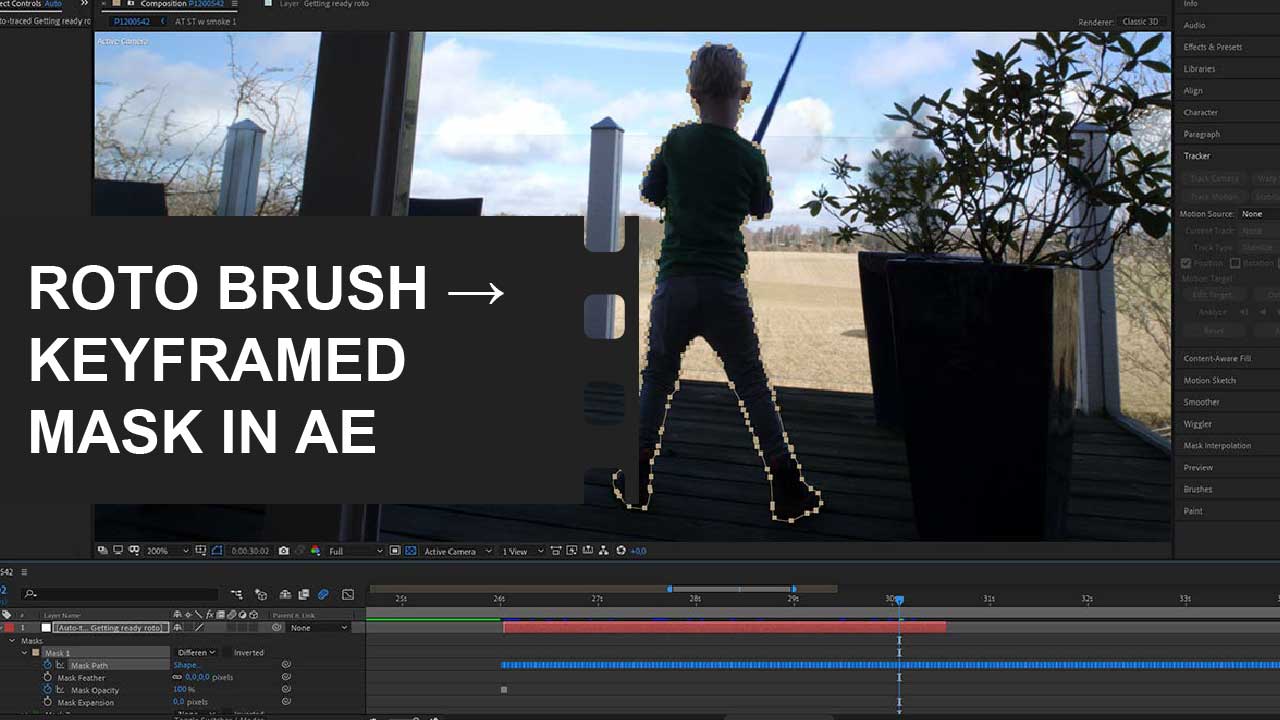
Reading Time: 3 minutesDid you know you don’t have to manually create and track masks with the pen tool in Adobe After Effects if you’ve already created a RotoBrush selection? Instead, you can quickly and easily create keyframed masks from a subject or object you’ve already rotoscoped. The trick is to use the auto-trace function. In this illustrated… Continue reading How To Convert A RotoBrush Selection To A Keyframed Mask In After Effects
How to use Proxies in Premiere Pro: An Illustrated Guide

Reading Time: 7 minutesProxies (or proxy files) are lower-resolution substitutes for your original high-resolution files. Proxy files make it possible to edit high-resolution video files on older and slower computers, which don’t have the processing power to handle, e.g., 4K or 6K footage with many effects. In this guide, you’ll learn all about creating proxies while ingesting vs… Continue reading How to use Proxies in Premiere Pro: An Illustrated Guide