

Published: December 17, 2025

What is a 2:1 aspect ratio? Definition & Meaning
A 2:1 aspect ratio, also written as 2.00:1, is a frame that is twice as wide as it is tall.
You may also see 18:9. It is the same shape. If you divide both numbers by 9, you get 2:1. If you want a quick overview of common cinema ratios, see FilmDaft’s cinematic aspect ratios guide or browse the Screen Formats hub.
2:1 at a glance
This section gives you the practical basics, so you can choose 2.00:1 with fewer surprises in the edit.
Aspect ratio is a shape, resolution is a file size
Aspect ratio is the relationship between width and height. Resolution is the pixel width and pixel height of the file. You can finish 2:1 at many resolutions as long as the width stays double the height.
Common 2:1 frame sizes
These sizes are common for exports, reviews, and streaming masters.
| Target width | 2:1 size | What you do |
|---|---|---|
| 1920 | 1920 × 960 | You keep 1920 width, then you export or crop the height down to 960. |
| 3840 | 3840 × 1920 | You keep 3840 width, then you export or crop the height down to 1920. |
| 4096 | 4096 × 2048 | You set the file to an exact 2.00:1 cinema size. |
How 2:1 compares to other common frames
2.00:1 sits between 16:9 (1.78:1) and Scope (2.39:1). It often works well for home screens because it looks wide, and it usually creates smaller letterbox bars than scope on a 16:9 display.
| Label | Ratio | What you see on a 16:9 screen |
|---|---|---|
| TV / web standard | 1.78:1 | The image fills the screen with no bars. |
| Flat widescreen | 1.85:1 | You usually see very thin bars at the top and bottom. |
| 2:1 | 2.00:1 | You see thin letterbox bars at the top and bottom. |
| Scope | 2.39:1 | You see thicker letterbox bars at the top and bottom. |
If you need to preview different crops fast, FilmDaft’s cinematic black bars guide shows practical ways to test framing and delivery formats.
Where 2:1 came from
2.00:1 is often linked to Univisium, a proposal for a middle widescreen frame that could translate across cinema screens and home screens. The pitch is simple. You get a wide frame for staging, and you keep more height than scope for faces and full bodies. FilmDaft covers this context inside the cinematic aspect ratios guide.
Vittorio Storaro and Univisium
Vittorio Storaro is an Italian cinematographer known for Apocalypse Now (1979, United Artists). He promoted 2.00:1 as a compromise frame that could stay wide without pushing faces and bodies too close to the top and bottom of the frame.
Why 3-perf 35mm is part of the conversation
3-perf 35mm uses three perforations per frame instead of four. That means the camera pulls less film per frame, so the same screen time can use less stock. It also starts closer to a widescreen shape than 4-perf, so you often crop less off the top and bottom to finish at 2.00:1.
How to shoot and finish 2:1
You can reach 2.00:1 by framing it on set, or by capturing taller and cropping later. Both workflows work. The difference is where you make your framing decisions.
Frame with 2:1 guides from day one
Frame guides make everyone compose inside the same 2.00:1 rectangle. Turn on 2:1 guides on the camera, the operator monitor, and the client monitor. Keep the same guides in video village.
This prevents real problems later. A boom mic can dip into the top edge. A light can flare at the side. A ceiling can creep into frame. If the whole crew sees the same guides, you catch those issues before they reach the edit.
Crop to 2:1 in post when you need room to reframe
Post crop means you capture a taller frame, then you choose the final 2:1 framing in editorial. This is common when you capture 16:9 or open gate.
Open gate is a sensor mode that records more of the sensor area than a standard crop. You get extra image around your intended frame, which gives you room for reframes and stabilization.
Example math: UHD 3840×2160 cropped to 2:1 becomes 3840×1920. You remove 240 pixels of height in total. A centered crop removes 120 pixels from the top and 120 pixels from the bottom.
If you want a practical software walkthrough for changing frame sizes, see FilmDaft’s guide on resizing videos in Premiere Pro.
Protect a safety area for stabilization, reframes, and VFX
Safety area is extra image outside your planned active image. Your active image is the picture area you plan to show in the final export. The safety area is what you keep outside that border so you can move the frame a little later.
This matters for real reasons. Stabilization can shift the frame. Reframing can trim headroom. VFX can need extra border pixels for tracking, paint-outs, or screen replacements. Keep eyes, hands, and important props away from the extreme edges if you know you will stabilize or reframe.
How 2:1 affects delivery
2.00:1 is straightforward for streaming players, since they can letterbox many shapes. Theatrical delivery often expects standard DCP shapes, so you need to choose how you package the image. FilmDaft’s post-production guide covers how delivery specs and QC fit into the finishing pipeline.
Active image vs container
Active image is the visible picture. A container is the file or presentation frame that holds it. A container can include black bars. This difference matters because some platforms and projectors scale or mask containers in different ways.
Streaming delivery
On most TVs, a 2:1 active image plays inside a 16:9 screen with thin letterbox bars. Keep titles and subtitles inside the active image. Text placed in the black bars can get cut off if a player resizes, crops, or zooms the presentation.
Theatrical delivery and DCP containers
Many cinemas present DCPs in two common shapes: Flat (1.85:1) and Scope (2.39:1). If you finish in 2.00:1, a common approach is to master inside a Flat container, since the letterboxing is mild.
Masking is when a theater setup hides parts of the projected image to match the screen shape. If you plan a theatrical run, ask the distributor or venue what container they want before you master. That helps you avoid a screening where the image is scaled, cropped, or masked in a way you did not plan.
Composition tips for 2:1
2.00:1 gives you width for staging, and it keeps more height than 2.39:1. You get the most out of it when you manage headroom and treat the edges as active space. If you want deeper framing tools, FilmDaft’s visual composition guide breaks down negative space, balance, and frame control.
Headroom is easy to overdo in a wide frame
Extra space above a head can make a shot look under-framed. Set eye level on purpose, and keep ceilings out unless the ceiling adds pressure, scale, or a plot detail inside the shot.
Two-shots stay readable without jumping too wide
2:1 can hold two faces at a readable size, with space between them for blocking. It also helps you keep hands in frame in many medium two-shots without switching to a very wide lens.
The edges matter more than you think
Viewers scan a wide frame, so the edges get noticed. Place doorways, props, and threats where they can be read fast. Avoid bright highlights, messy lines, or extra props in the corners unless they matter to the shot.
Film examples finished in 2.00:1
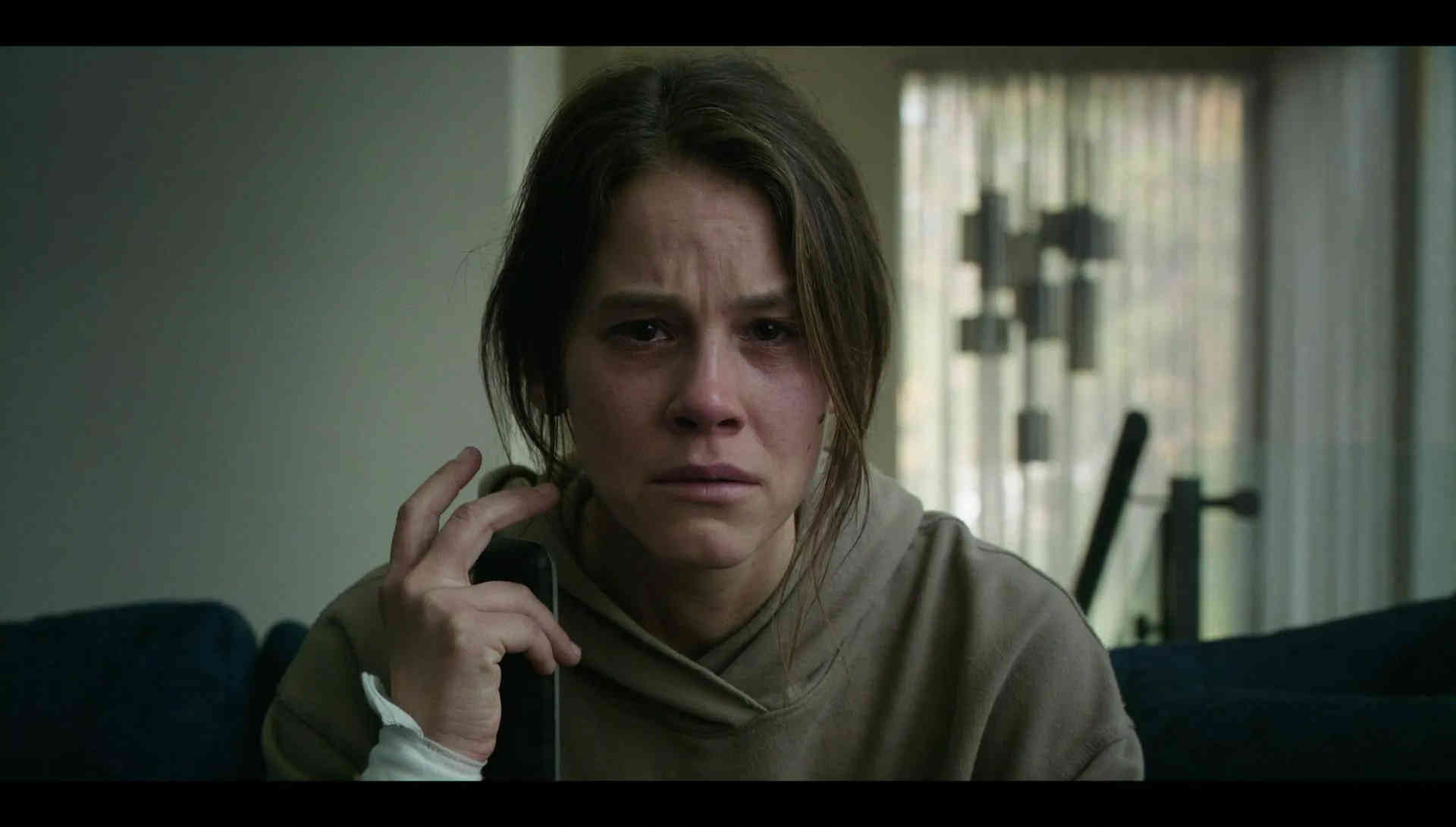
Aspect ratios can vary by release, so check the version you are watching. These films are often listed as 2.00:1 in widely used technical listings.
| Film | What 2:1 helps you see |
|---|---|
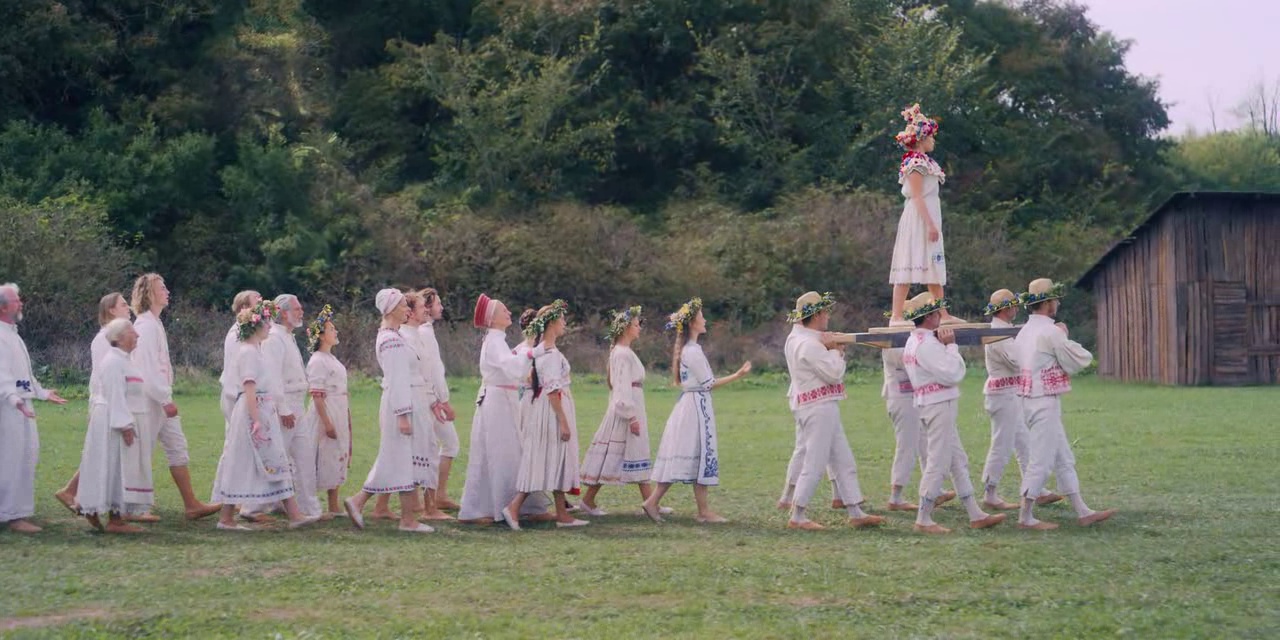
| Midsommar (2019, A24) | Group staging reads across the width, and full-body ritual blocking stays visible without scope-level letterboxing. |
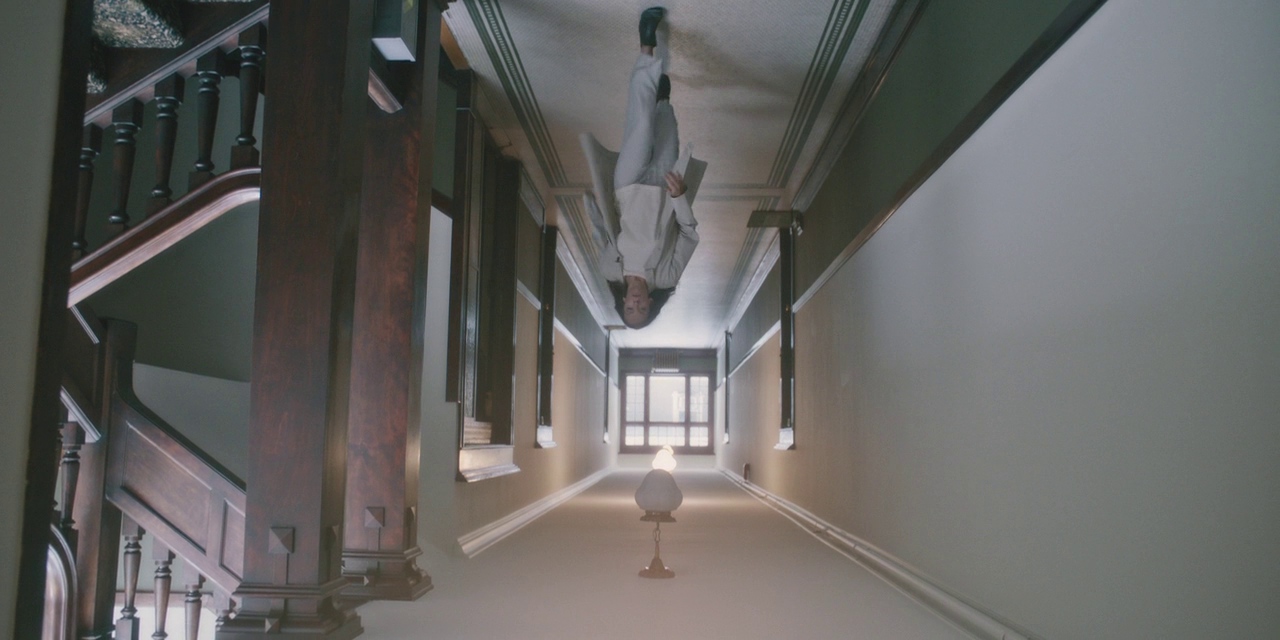
| Hereditary (2018, A24) | Room geometry stays readable, so doorframes, ceilings, and negative space can sit beside a character in the same shot. |
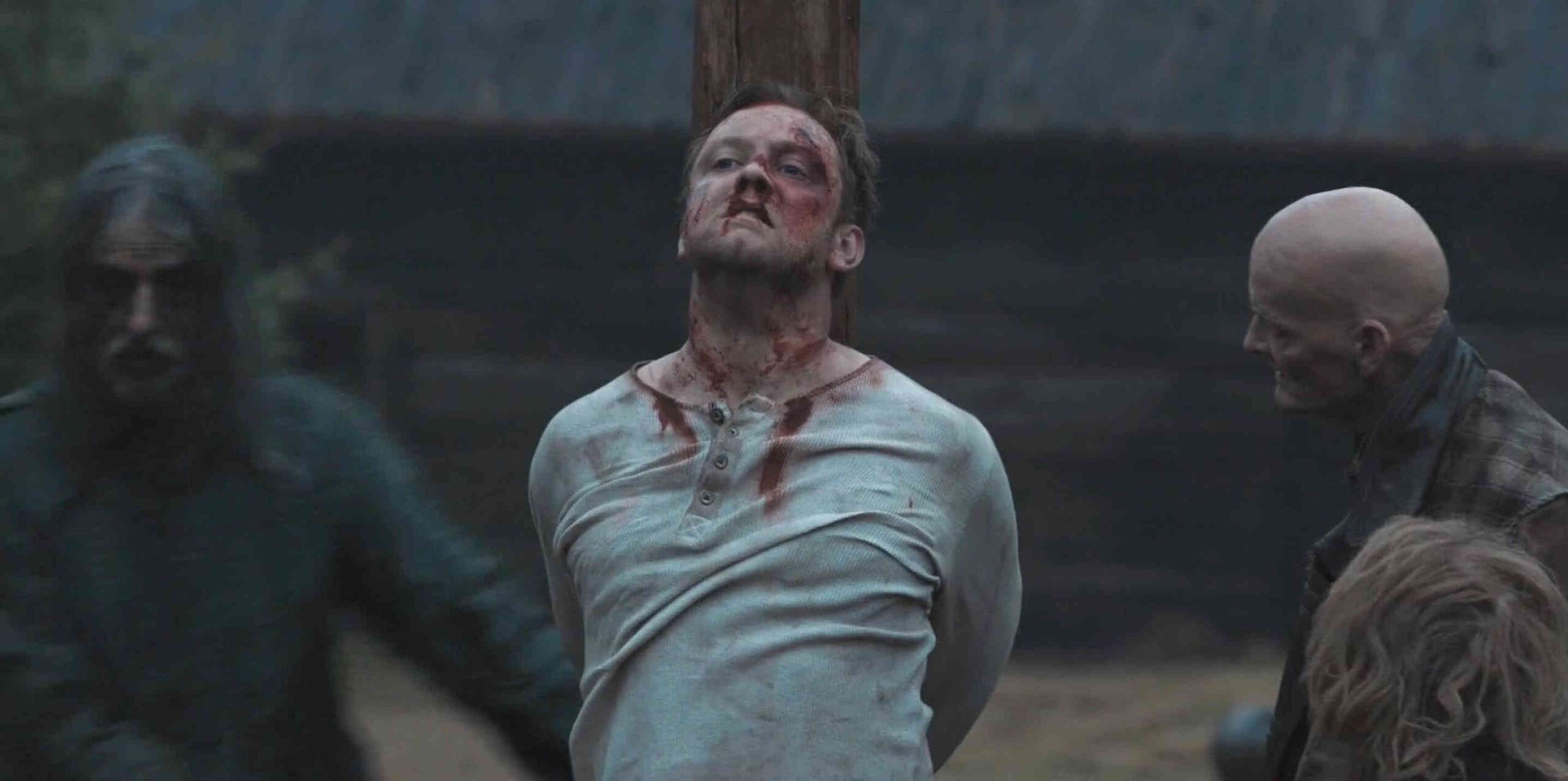
| The Northman (2022, Focus Features) | Landscapes and action can share the frame, so bodies and weapons stay legible inside a wide environment. |
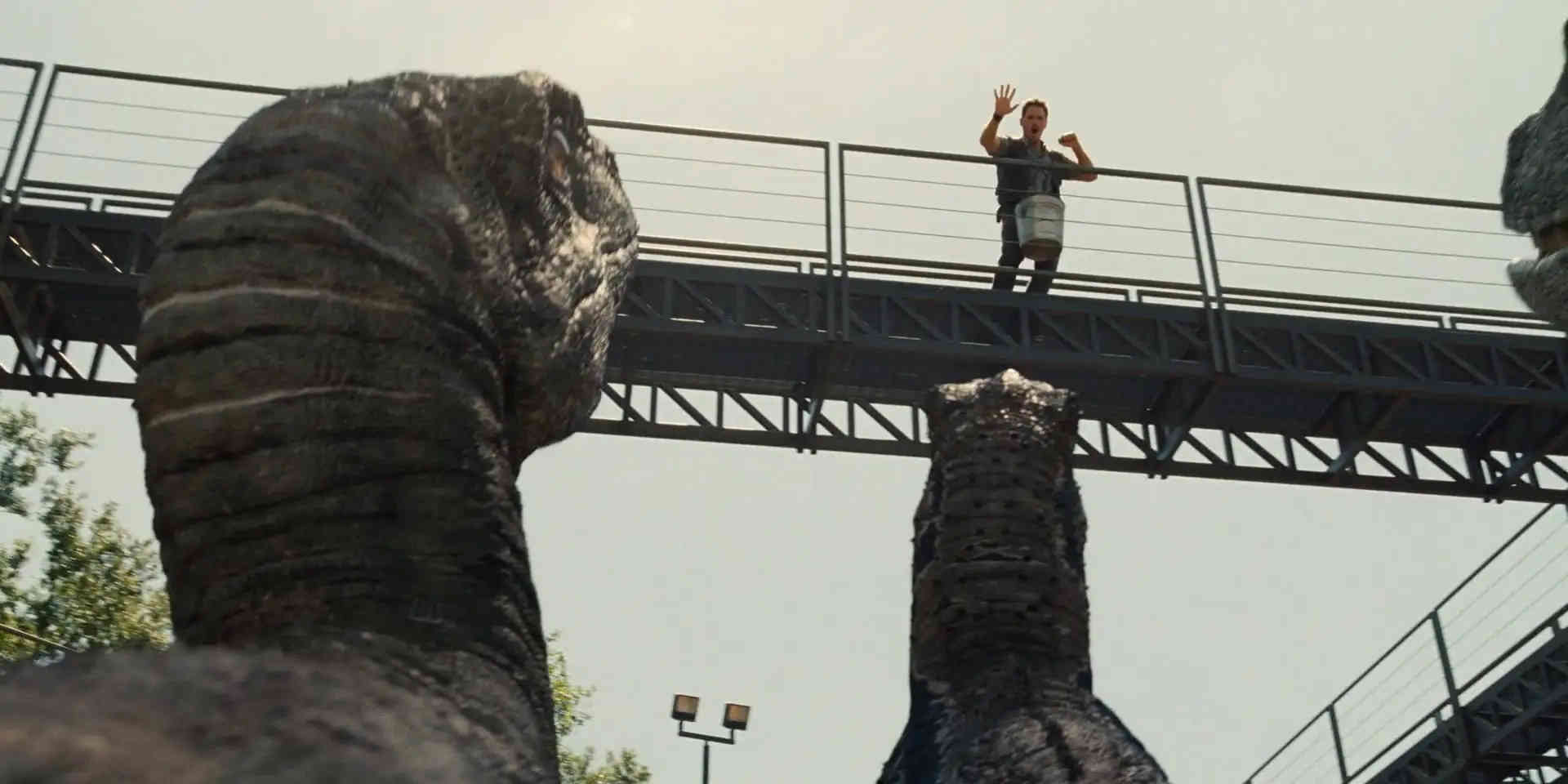
| Jurassic World (2015, Universal) | Scale stays clear, so large subjects can share frame with people without losing too much vertical room. |
| Smile (2022, Paramount) | The extra width leaves side space for background information, while faces can stay centered and readable. |
| The Ritual (2017, Entertainment One) | Group movement reads in wide forest compositions, and the frame still holds vertical depth when trees and terrain matter. |
Summing Up
2:1 (2.00:1) is a widescreen frame that sits between 16:9 and 2.39:1. It often letterboxes with smaller bars than scope on home screens, and it keeps more height for faces and standing figures. Decide early, set 2:1 guides on every monitor, leave a safety area if you plan to stabilize or reframe, and confirm your delivery container before final export.
FAQ
These answers cover the questions people ask when they choose 2.00:1 for a project.
Do you need anamorphic lenses to shoot 2:1?
You do not need anamorphic lenses. 2:1 is a frame shape. You can shoot spherical or anamorphic and still finish at 2.00:1. Lens choice changes distortion, flares, bokeh shape, and edge sharpness. It does not change the aspect ratio math. If you want a deeper breakdown, see FilmDaft’s anamorphic lens guide.
Is 2:1 the same as scope?
No. Scope usually means 2.39:1. 2.00:1 is taller, so you keep more vertical space for headroom and full bodies. If you want the history behind scope, see FilmDaft’s guide to CinemaScope.
Can a project switch aspect ratios during the film?
Yes. Some projects switch ratios for IMAX scenes, flashbacks, or different camera formats. If you plan a switch, set frame guides for every ratio from the start, and test exports early. Keep titles and subtitles inside your chosen safe area in every version. If you want background on IMAX ratios like 1.43:1 and 1.90:1, see FilmDaft’s IMAX guide.
Read Next: Wondering how aspect ratios shape storytelling?
Dive into our Screen Formats section to see how widescreen, Academy ratio, and IMAX influence the way we watch movies.
Looking for more historical context? Explore our Film History, Theory & Genre archive for visual storytelling across time and technology.
