

Reading Time: 6 minutesJump cuts are one of the most misunderstood edits in film. Used wrong, they look like a mistake; used right, they’re one of the sharpest tools in an editor’s kit. Here’s how to tell the difference, and how to use them yourself. What Is a Jump Cut? Definition & Meaning A jump cut is an… Continue reading Jump Cuts: Definition, Famous Examples & How to Edit Them
Editing
Video Editing and Video Editing Software Tutorials
What is a Library Shot? Definition, Use Cases & Examples

Reading Time: 4 minutesWhat is a library shot? Definition & Meaning A library shot, often a stock shot, is a pre-existing piece of footage obtained from a library of audiovisual content. These shots are generic and not filmed specifically for the current production like B-roll is. Examples include aerial shots, time lapses, and establishing shots of well-known locations.… Continue reading What is a Library Shot? Definition, Use Cases & Examples
What is RAID Storage? And How it Can Help Save Your Footage!
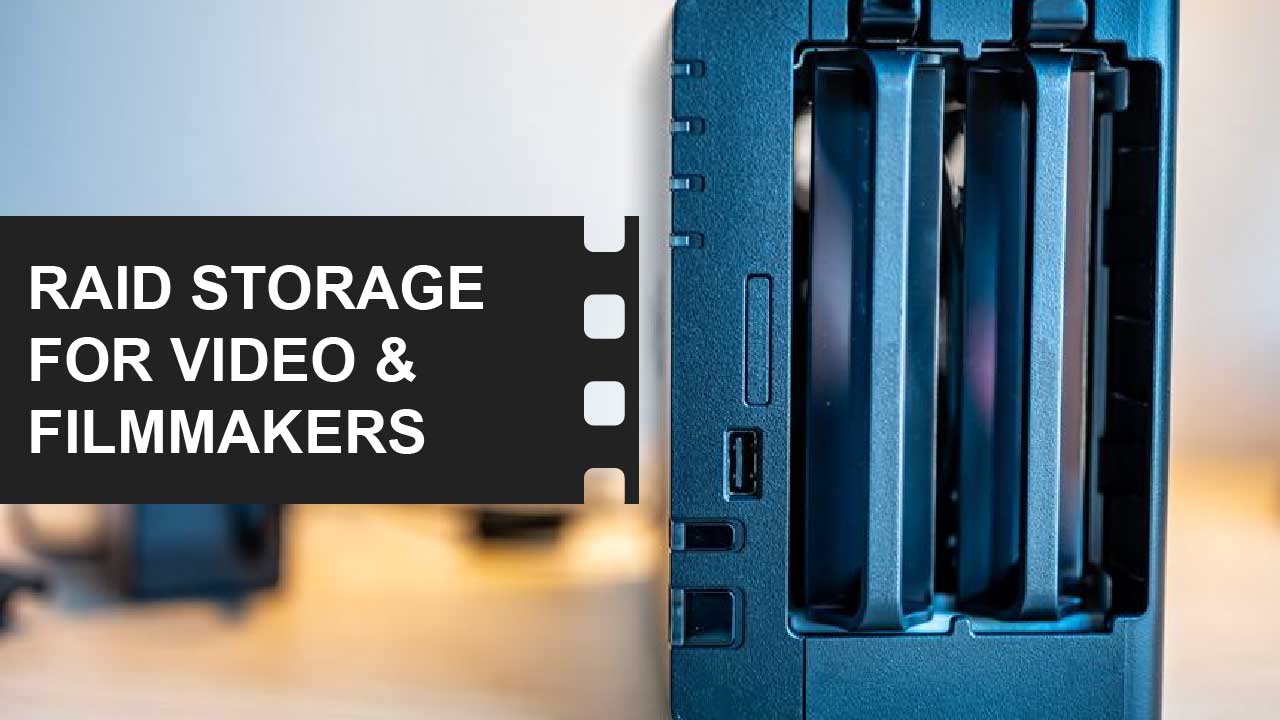
Reading Time: 3 minutesRAID storage Definition & Meaning RAID (Redundant Array of Independent Disks) storage combines multiple disk drives into a single unit to improve data redundancy, performance, or both. For videographers and filmmakers, RAID is a good storage option, as it offers faster data transfer rates for editing large video files and safeguards against data loss due… Continue reading What is RAID Storage? And How it Can Help Save Your Footage!
Cut to the Chase: The Movie Montage, Explained

Reading Time: 6 minutesWhat is a Movie montage? Definition & Meaning A movie montage (from the French word for “assembly”) is a series of quick, connected shots edited together to show progress, change, or the passing of time. Montages are often set to music and don’t rely on dialogue or detailed exposition. They’re used to show things like… Continue reading Cut to the Chase: The Movie Montage, Explained
What is Kinetic Editing? Meaning and Examples from Movies.

Reading Time: 2 minutesKinetic editing Definition & Meaning Kinetic editing is a video style emphasizing dynamic and energetic visual effects, transitions, and pacing. It uses fast cuts, quick camera movements, and rapid transitions between shots to create a sense of movement and excitement. Kinetic editing is often used in music videos, action scenes, and high-energy ads to amplify… Continue reading What is Kinetic Editing? Meaning and Examples from Movies.
Exporting High-Quality Video With Small File Sizes In Premiere

Reading Time: 6 minutesExporting is the final step of your editing process. The amount of data your export will need to encode depends on where you decide to publish the video. To export a high-quality video with a low file size, there are three settings you can tweak: the codec, number of passes, and bitrate. If you’re in… Continue reading Exporting High-Quality Video With Small File Sizes In Premiere
How to Create and Export SRT Captions in Premiere Pro

Reading Time: 6 minutesAdding closed captions to your video is a great idea to reach the widest audience possible. Captions were designed for people who are hard of hearing, but they have also grown in popularity with everyday viewers. In this step-by-step guide, I will show you how to create and export a .srt file, the standard for… Continue reading How to Create and Export SRT Captions in Premiere Pro
How To Work With Multiple Cameras In Premiere Pro In 3 Easy Steps

Reading Time: 6 minutesLearning to edit with Premiere Pro’s multi-camera features is essential for your video editing tool bag. You may think of multi-camera from television sitcoms you enjoy, but it’s also great for editing client interviews, podcasts, etc. This is an extremely easy process that only requires a little bit of setup. In this article, I will… Continue reading How To Work With Multiple Cameras In Premiere Pro In 3 Easy Steps
21 Premiere Pro Keyboard Shortcuts You Need To Know [PC/Mac Cheat Sheet Included]

Reading Time: 6 minutesIn this article, I explain the 21 keyboard shortcuts that I think are essential for Premiere Pro users. These are not all the shortcuts available in Premiere, but they are 21 of the most common, which you will likely find useful. I will explain what each shortcut does and list a cheat sheet at the… Continue reading 21 Premiere Pro Keyboard Shortcuts You Need To Know [PC/Mac Cheat Sheet Included]
How to Synchronize Clips and Audio in Premiere Pro Automatically (Without Plug-Ins)

Reading Time: 7 minutesIn Premiere Pro, you can sync clips manually or automatically – without plug-ins. Both have good uses for different reasons. Here’s how you do both. Syncing Function in Premiere Let’s look at the different options Premiere provides for syncing clips. It’s important to learn this first because each method will use one of these functions.… Continue reading How to Synchronize Clips and Audio in Premiere Pro Automatically (Without Plug-Ins)